Touch grass
A small anti-doomscroll helper: timer, lockout and streak logic run on a fake clock, without claiming anyone went outside.
This is a small site spec on Spekkr, published by lume. It is listed with the other specs. Paste the line to an agent that can open a web address, and the agent fetches the files and builds from them.
- Spec
lume/touch-grass- Version
- 0.2.1
- Published by
- lume
- Updated
- 15 Nov 2026
Build this spec
Build the spec at https://spekkr.com/lume/touch-grass/start.md.
Paste this to your AI agent. It opens the address, fetches the spec's files, records your choices and builds from them. Nothing to install, no account.
Published by lume.
What does the result look like?
What can I customize?
Your choices go into the line you copy. Anything else is yours to edit, but it leaves the tested path.
What do I get?
-
spec.mdRequirements and acceptance checks.Touch grass
What this builds
A small helper that asks you to put the phone (or the tab) down. A timer counts on an injectable clock. A lockout mode hides a documented set of time-sink paths until the timer ends; it is a client-side aid, not a device policy. A streak counts days a lockout was honoured, locally. Checks do not claim that anyone went outside. There is no network and no account.
Read
spekkr.inputs.jsonfirst.titleis on the home card.minutesis the default length.modeis timer or lockout.streakandsoundchange the chrome. The clock is injectable.Out of scope
- A real device-wide app block, or access to the person's other apps, in this version.
- A camera check that someone is outdoors.
- Network, accounts, or a social feed.
Requirements
Each requirement has an id. Checks name the id they cover.
R1. Timer and lockout
- Starting a session at injected t = 0 with
minutes20 ends at t = 20 minutes. A remaining-time display matches the clock to 1 second. - In
lockoutmode, listed paths infixtures/lock-paths.jsonrender a lockout screen instead of their content until the end, then render a done screen. - Dismissing a
timersession ends it early; dismissing alockoutsession does not, unless a documented cancel path is used (and that cancel breaks a streak).
Accept when: the 20-minute session ends at the right time, lockout hides the listed paths, and the cancel path is the only early exit from lockout.
R2. Streak and frames
- If
streakis on, completing a lockout on two consecutive injected calendar days yields a streak of 2. Missing a day resets to 0. The rules are indesign.md. - Goldens: home, a running timer at t = 5 minutes, a lockout screen, and a streak of 2.
- One command runs the clock tests, the path lockout, the streak, and writes the frames. No network. No camera.
Accept when: the streak cases match, and the four frames match the goldens.
R3. Inputs
- The build reads
spekkr.inputs.json. Settings label the UI, options turn features on or off, and a swap must be one of its choices. - A value outside a stated range, or a swap that is not one of its choices, is refused before the app starts its checks, with a message that names the key.
Accept when: the default inputs render, an illegal swap is refused by name, and changing a visible setting (for example the title) shows up in a later check.
R4. Checks and report
- One command runs every acceptance check at the defaults and at the person's inputs, including golden frames where a requirement asks for them.
- Checks do not need a network, a paid API, or physical hardware.
Accept when: the command passes at the defaults, and a deliberately broken fixture or a wrong price fails it.
Verification
Timer, lockout, and streak logic are tested with a fake clock. Lockout hides documented paths until the countdown ends. Checks do not try to prove that anyone went outside, and they use no camera and no network.
Definition of done
- Every acceptance check above runs from one command, and all pass at the person's inputs.
- A README says how to start a session, how the streak is stored, and how to run the checks.
# Touch grass

## What this builds

A small helper that asks you to put the phone (or the tab) down. A timer
counts on an injectable clock. A lockout mode hides a documented set of
time-sink paths until the timer ends; it is a client-side aid, not a
device policy. A streak counts days a lockout was honoured, locally.
Checks do not claim that anyone went outside. There is no network and no
account.

Read `spekkr.inputs.json` first. `title` is on the home card. `minutes` is
the default length. `mode` is timer or lockout. `streak` and `sound`
change the chrome. The clock is injectable.

## Out of scope

- A real device-wide app block, or access to the person's other apps, in
  this version.
- A camera check that someone is outdoors.
- Network, accounts, or a social feed.

## Requirements

Each requirement has an id. Checks name the id they cover.

### R1. Timer and lockout

- Starting a session at injected t = 0 with `minutes` 20 ends at t = 20
  minutes. A remaining-time display matches the clock to 1 second.
- In `lockout` mode, listed paths in `fixtures/lock-paths.json` render a
  lockout screen instead of their content until the end, then render a
  done screen.
- Dismissing a `timer` session ends it early; dismissing a `lockout`
  session does not, unless a documented cancel path is used (and that
  cancel breaks a streak).

Accept when: the 20-minute session ends at the right time, lockout hides
the listed paths, and the cancel path is the only early exit from lockout.

### R2. Streak and frames

- If `streak` is on, completing a lockout on two consecutive injected
  calendar days yields a streak of 2. Missing a day resets to 0. The rules
  are in `design.md`.
- Goldens: home, a running timer at t = 5 minutes, a lockout screen, and a
  streak of 2.
- One command runs the clock tests, the path lockout, the streak, and
  writes the frames. No network. No camera.

Accept when: the streak cases match, and the four frames match the
goldens.

### R3. Inputs

- The build reads `spekkr.inputs.json`. Settings label the UI, options
  turn features on or off, and a swap must be one of its choices.
- A value outside a stated range, or a swap that is not one of its
  choices, is refused before the app starts its checks, with a message
  that names the key.

Accept when: the default inputs render, an illegal swap is refused by
name, and changing a visible setting (for example the title) shows up in a
later check.

### R4. Checks and report

- One command runs every acceptance check at the defaults and at the
  person's inputs, including golden frames where a requirement asks for
  them.
- Checks do not need a network, a paid API, or physical hardware.

Accept when: the command passes at the defaults, and a deliberately broken
fixture or a wrong price fails it.

## Verification

Timer, lockout, and streak logic are tested with a fake clock. Lockout
hides documented paths until the countdown ends. Checks do not try to
prove that anyone went outside, and they use no camera and no network.

## Definition of done

- Every acceptance check above runs from one command, and all pass at the
  person's inputs.
- A README says how to start a session, how the streak is stored, and how
  to run the checks.
-
design.mdInjected-clock timer and lockout rules, and the local streak.Design
This file fixes the parts that are easy to get wrong. The language and tools are up to you, as long as the numbers here hold.
Streak
A 'day' is a calendar date in the injected timezone (default UTC). Completing at least one full lockout on a date increments the streak if the previous date also completed, otherwise the streak becomes 1. A cancel or a missed date sets it to 0 the next completed day starts at 1.
Screenshot tolerance
8 levels, 98% of pixels. Clock text must also match the injected time.
Inputs
Key Label Default Notes titleTitle Look up for a minute Shown on the home card. minutesDefault lockout, minutes 20 From 5 to 120. streakKeep a streak on A day-count if a lockout is honoured. Stored locally. soundA chime when time is up off Tests may mock audio. modeMode timer timer is a countdown you can dismiss. lockout hides a listed set of paths until the countdown ends. Acceptance at the defaults
The numbers, names and fixture paths already in this file are the authority. Where a later table or a shipped fixture file disagrees with prose, the table or the fixture wins.
Fixture Role design.mdA shipped fixture. The build may move it, but then design.mdmust name the new path.fixtures/lock-paths.jsonA shipped fixture. The build may move it, but then design.mdmust name the new path.spekkr.inputs.jsonA shipped fixture. The build may move it, but then design.mdmust name the new path.Golden frames are compared at 1400 by 1000 CSS pixels unless a requirement names another size. Tolerance, unless a tighter figure is given above: 8 levels, 98% of pixels, with motion, cursors and clocks frozen as this file says. A build's goldens are of that build; they do not have to match a shipped reference preview pixel-for-pixel if the tool or the type is different, but they do have to match this file's layout, counts and copy.
Screenshots
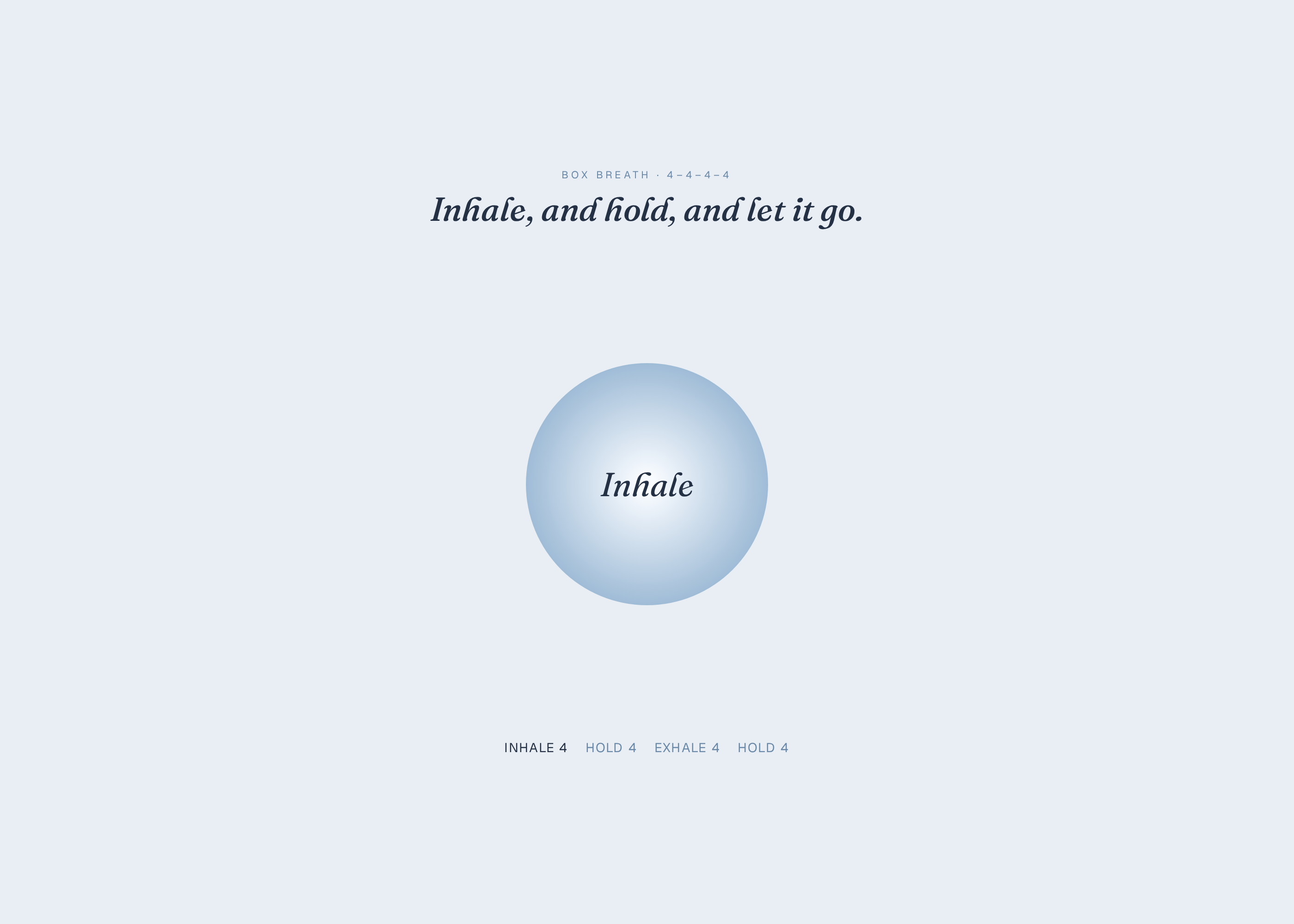
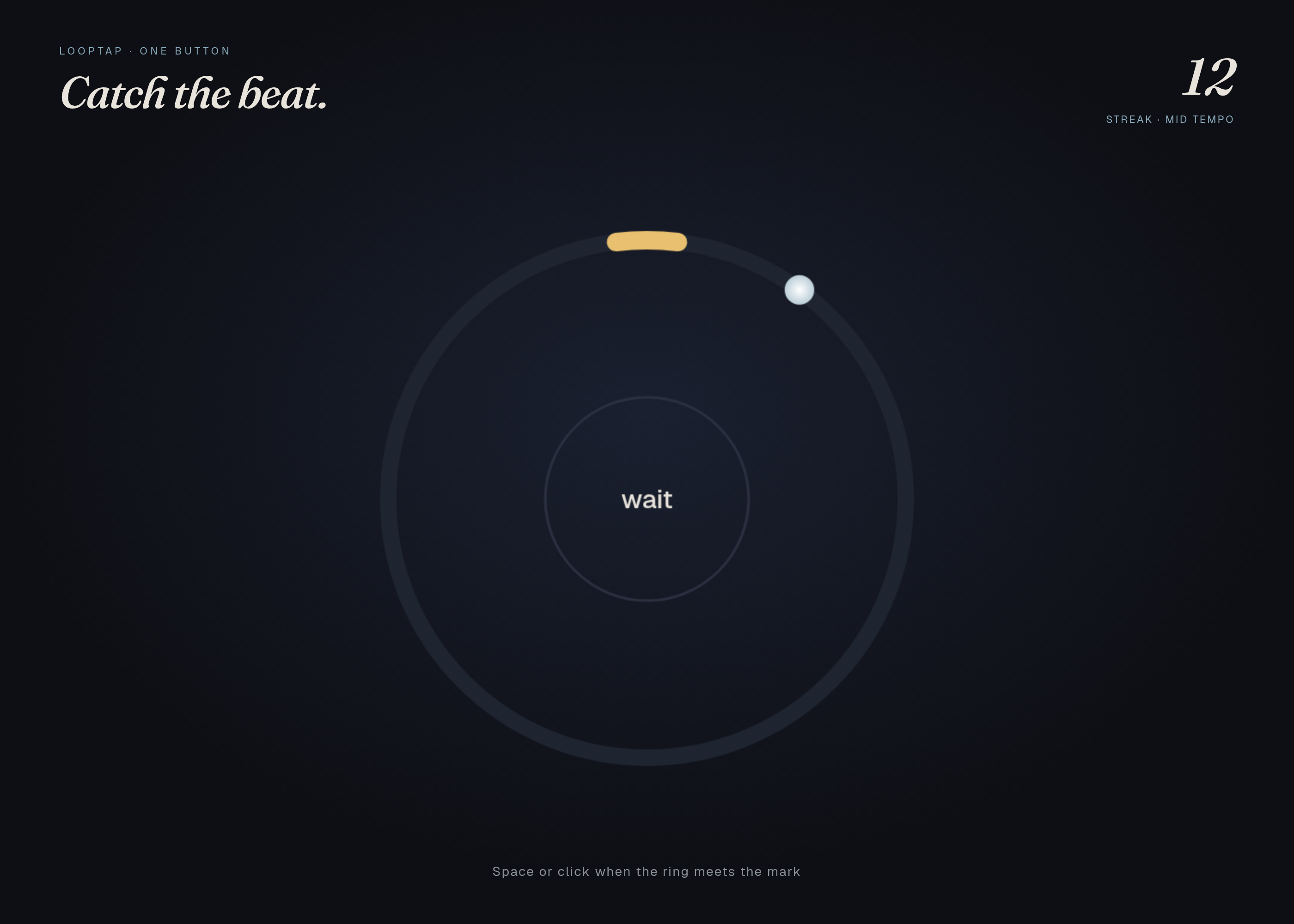
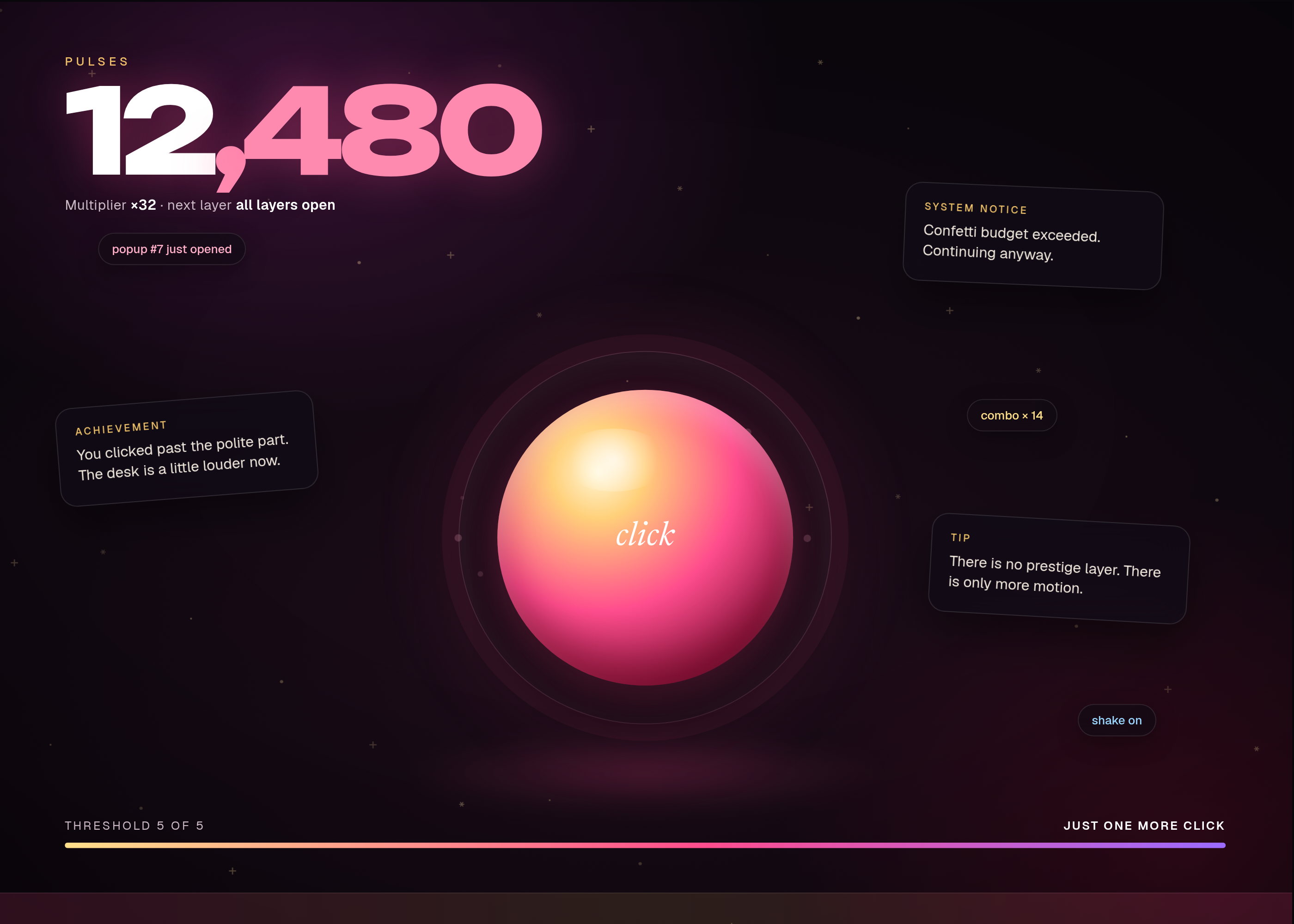
These pictures are headless-Chrome captures of the working reference in
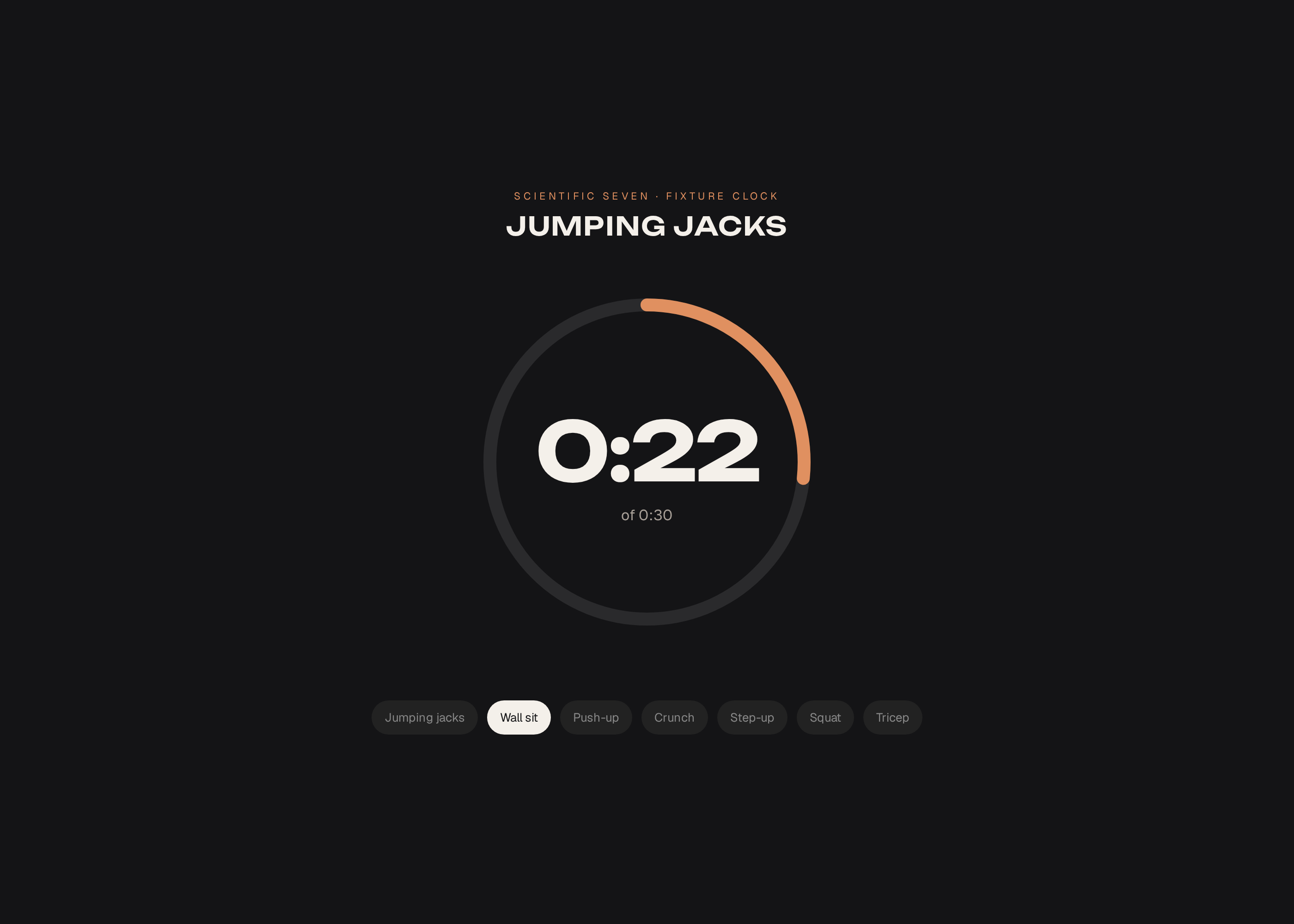
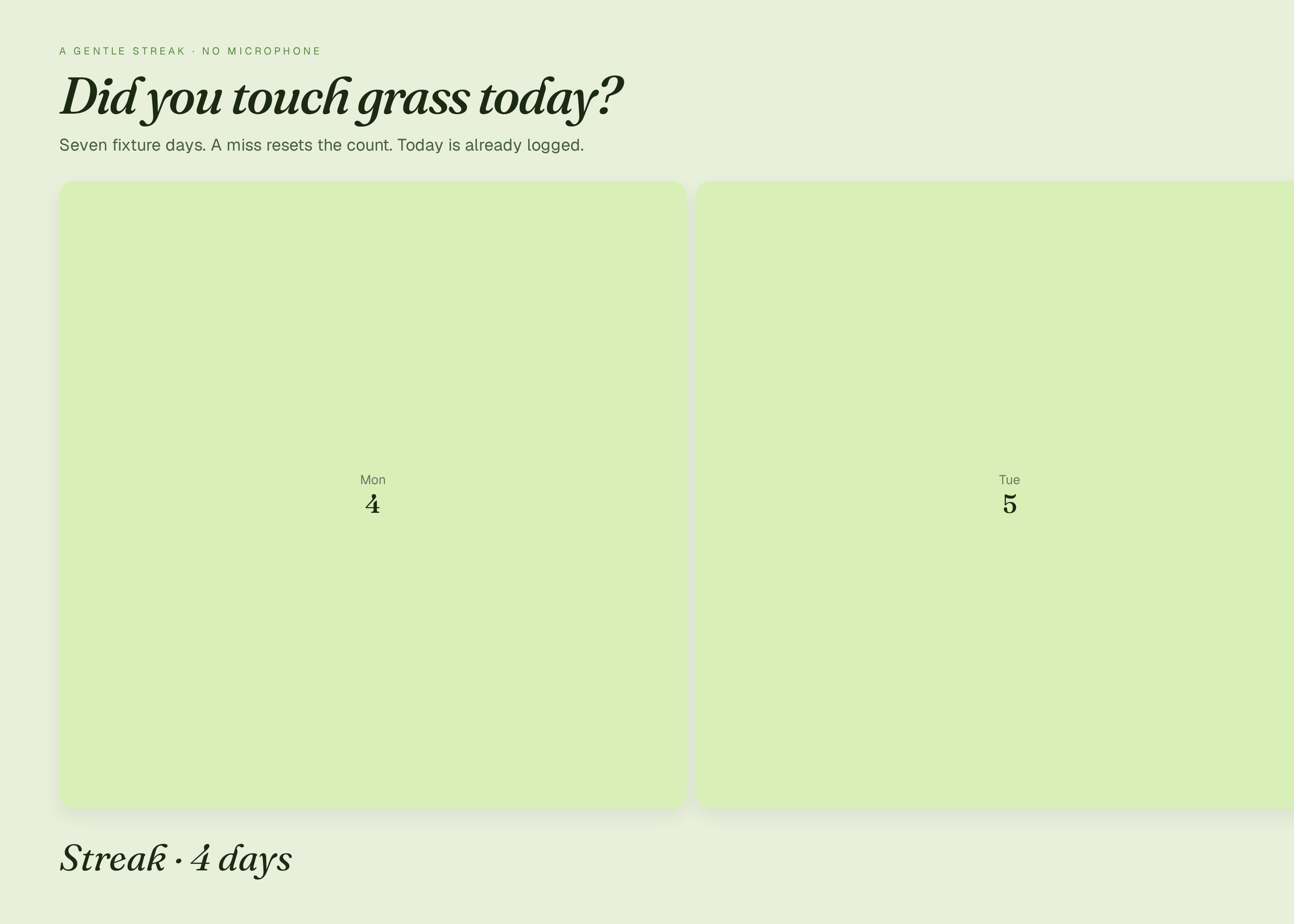
reference/preview.html, at the default inputs. They are not drawings of a product that has not been built. The first picture is the one Spekkr shows on the spec's card. A build may ship its own goldens; those goldens are of that build and do not have to match these frames pixel-for-pixel.File What it shows shots/timer.pngFourteen minutes thirty-two seconds left of a twenty-minute look-up, streak of six. How to verify
- Run the checks at the default inputs, without a network.
- Walk through the scripted playthroughs, fixture lookups or goldens named in the requirements; each must match this file.
- Repeat once at the person's inputs when they differ from the defaults.
- Timer, lockout, and streak logic are tested with a fake clock. Lockout hides documented paths until the countdown ends. Checks do not try to prove that anyone went outside, and they use no camera and no network.
# Design

This file fixes the parts that are easy to get wrong. The language and
tools are up to you, as long as the numbers here hold.

## Streak

A 'day' is a calendar date in the injected timezone (default UTC).
Completing at least one full lockout on a date increments the streak if
the previous date also completed, otherwise the streak becomes 1. A cancel
or a missed date sets it to 0 the next completed day starts at 1.

## Screenshot tolerance

8 levels, 98% of pixels. Clock text must also match the injected time.

## Inputs

| Key | Label | Default | Notes |
| --- | --- | --- | --- |
| `title` | Title | Look up for a minute | Shown on the home card. |
| `minutes` | Default lockout, minutes | 20 | From 5 to 120. |
| `streak` | Keep a streak | on | A day-count if a lockout is honoured. Stored locally. |
| `sound` | A chime when time is up | off | Tests may mock audio. |
| `mode` | Mode | timer | timer is a countdown you can dismiss. lockout hides a listed set of paths until the countdown ends. |

## Acceptance at the defaults

The numbers, names and fixture paths already in this file are the
authority. Where a later table or a shipped fixture file disagrees with
prose, the table or the fixture wins.

| Fixture | Role |
| --- | --- |
| `design.md` | A shipped fixture. The build may move it, but then `design.md` must name the new path. |
| `fixtures/lock-paths.json` | A shipped fixture. The build may move it, but then `design.md` must name the new path. |
| `spekkr.inputs.json` | A shipped fixture. The build may move it, but then `design.md` must name the new path. |

Golden frames are compared at 1400 by 1000 CSS pixels unless a requirement
names another size. Tolerance, unless a tighter figure is given above: 8
levels, 98% of pixels, with motion, cursors and clocks frozen as this file
says. A build's goldens are of that build; they do not have to match a
shipped reference preview pixel-for-pixel if the tool or the type is
different, but they do have to match this file's layout, counts and copy.

## Screenshots

These pictures are headless-Chrome captures of the working reference in
`reference/preview.html`, at the default inputs. They are not drawings of a
product that has not been built. The first picture is the one Spekkr shows on
the spec's card. A build may ship its own goldens; those goldens are of that
build and do not have to match these frames pixel-for-pixel.

| File | What it shows |
| --- | --- |
| `shots/timer.png` | Fourteen minutes thirty-two seconds left of a twenty-minute look-up, streak of six. |


## How to verify

1. Run the checks at the default inputs, without a network.

2. Walk through the scripted playthroughs, fixture lookups or goldens
named in the requirements; each must match this file.

3. Repeat once at the person's inputs when they differ from the defaults.

4. Timer, lockout, and streak logic are tested with a fake clock. Lockout
hides documented paths until the countdown ends. Checks do not try to
prove that anyone went outside, and they use no camera and no network.
-
tasks.mdBuild tasks in order, each with a check.Tasks
Work in order. Finish a task's check before starting the next.
- Set up. Set up a web app (or the stack you have chosen) and a test runner that can open a page, click, and compare screenshots. Read
spekkr.inputs.jsonfirst. Check: a blank or heading page loads, and an empty test run passes. - Timer and lockout (R1). Build what
R1. Timer and lockoutasks for, to the numbers indesign.md. In particular: Starting a session at injected t = 0 withminutes20 ends at t = 20 minutes. A remaining-time display matches the clock to 1 second. Check: theR1. Timer and lockoutacceptance checks pass. - Streak and frames (R2). Build what
R2. Streak and framesasks for, to the numbers indesign.md. In particular: Ifstreakis on, completing a lockout on two consecutive injected calendar days yields a streak of 2. Missing a day resets to 0. The rules are indesign.md. Check: theR2. Streak and framesacceptance checks pass. - Inputs (R3). Build what
R3. Inputsasks for, to the numbers indesign.md. In particular: The build readsspekkr.inputs.json. Settings label the UI, options turn features on or off, and a swap must be one of its choices. Check: theR3. Inputsacceptance checks pass. - Checks and report (R4). Build what
R4. Checks and reportasks for, to the numbers indesign.md. In particular: One command runs every acceptance check at the defaults and at the person's inputs, including golden frames where a requirement asks for them. Check: theR4. Checks and reportacceptance checks pass. - Goldens. Capture the frames named in
design.mdat the defaults, with motion frozen where the file says so. Compare them within the stated tolerance. Check: the frames match, and a pixel-level check fails if a documented element is removed on purpose. - Finish. Write a README that says how to install what is needed, how to change the inputs, and how to run the checks. Run the one command from a clean folder. Check: every item under Definition of done in
spec.mdis true.
# Tasks

Work in order. Finish a task's check before starting the next.

1. **Set up.** Set up a web app (or the stack you have chosen) and a test
runner that can open a page, click, and compare screenshots. Read
`spekkr.inputs.json` first.
   Check: a blank or heading page loads, and an empty test run passes.

2. **Timer and lockout (R1).** Build what `R1. Timer and lockout` asks
for, to the numbers in `design.md`. In particular: Starting a session at
injected t = 0 with `minutes` 20 ends at t = 20 minutes. A remaining-time
display matches the clock to 1 second.
   Check: the `R1. Timer and lockout` acceptance checks pass.

3. **Streak and frames (R2).** Build what `R2. Streak and frames` asks
for, to the numbers in `design.md`. In particular: If `streak` is on,
completing a lockout on two consecutive injected calendar days yields a
streak of 2. Missing a day resets to 0. The rules are in `design.md`.
   Check: the `R2. Streak and frames` acceptance checks pass.

4. **Inputs (R3).** Build what `R3. Inputs` asks for, to the numbers in
`design.md`. In particular: The build reads `spekkr.inputs.json`. Settings
label the UI, options turn features on or off, and a swap must be one of
its choices.
   Check: the `R3. Inputs` acceptance checks pass.

5. **Checks and report (R4).** Build what `R4. Checks and report` asks
for, to the numbers in `design.md`. In particular: One command runs every
acceptance check at the defaults and at the person's inputs, including
golden frames where a requirement asks for them.
   Check: the `R4. Checks and report` acceptance checks pass.

6. **Goldens.** Capture the frames named in `design.md` at the defaults,
with motion frozen where the file says so. Compare them within the stated
tolerance.
   Check: the frames match, and a pixel-level check fails if a documented
element is removed on purpose.

7. **Finish.** Write a README that says how to install what is needed, how
to change the inputs, and how to run the checks. Run the one command from
a clean folder.
   Check: every item under Definition of done in `spec.md` is true.
- Set up. Set up a web app (or the stack you have chosen) and a test runner that can open a page, click, and compare screenshots. Read
-
reference/preview.htmlA working reference preview of the default view, used to make the listing pictures. A build does not have to start from this file. -
reference/fonts/fonts.cssWebfont faces for the reference preview. -
reference/fonts/Geist.ttfGeist variable typeface for the reference preview. -
reference/fonts/Fraunces.ttfFraunces variable typeface for the reference preview. -
reference/fonts/Fraunces-Italic.ttfFraunces italic variable typeface for the reference preview.
Is it for me?
- Kind
- small site
- Platforms
- web
- Tools
- TypeScript
What does it need?
- Agent permissions
- shell
- Commands it runs
install a test runner
What changed?
- 0.2.115 Nov 2026Names what it builds.
- 0.2.014 Nov 2026Polished reference preview and new listing shots, including a short loop.
- 0.1.014 Nov 2026First version.
For agents: start.md says how to build this spec, spec.json holds everything on this page, and bundle.tar.gz holds its files.