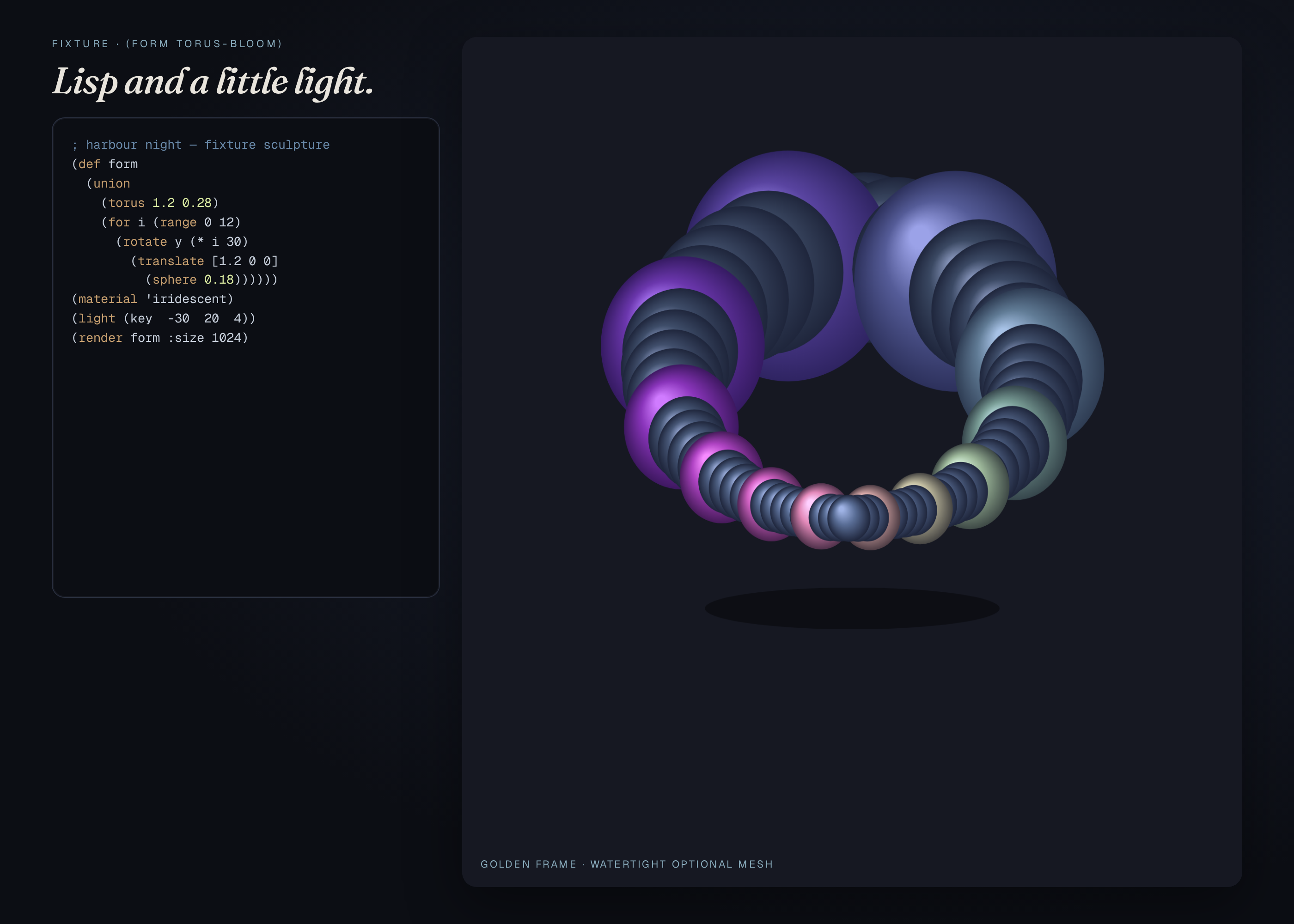
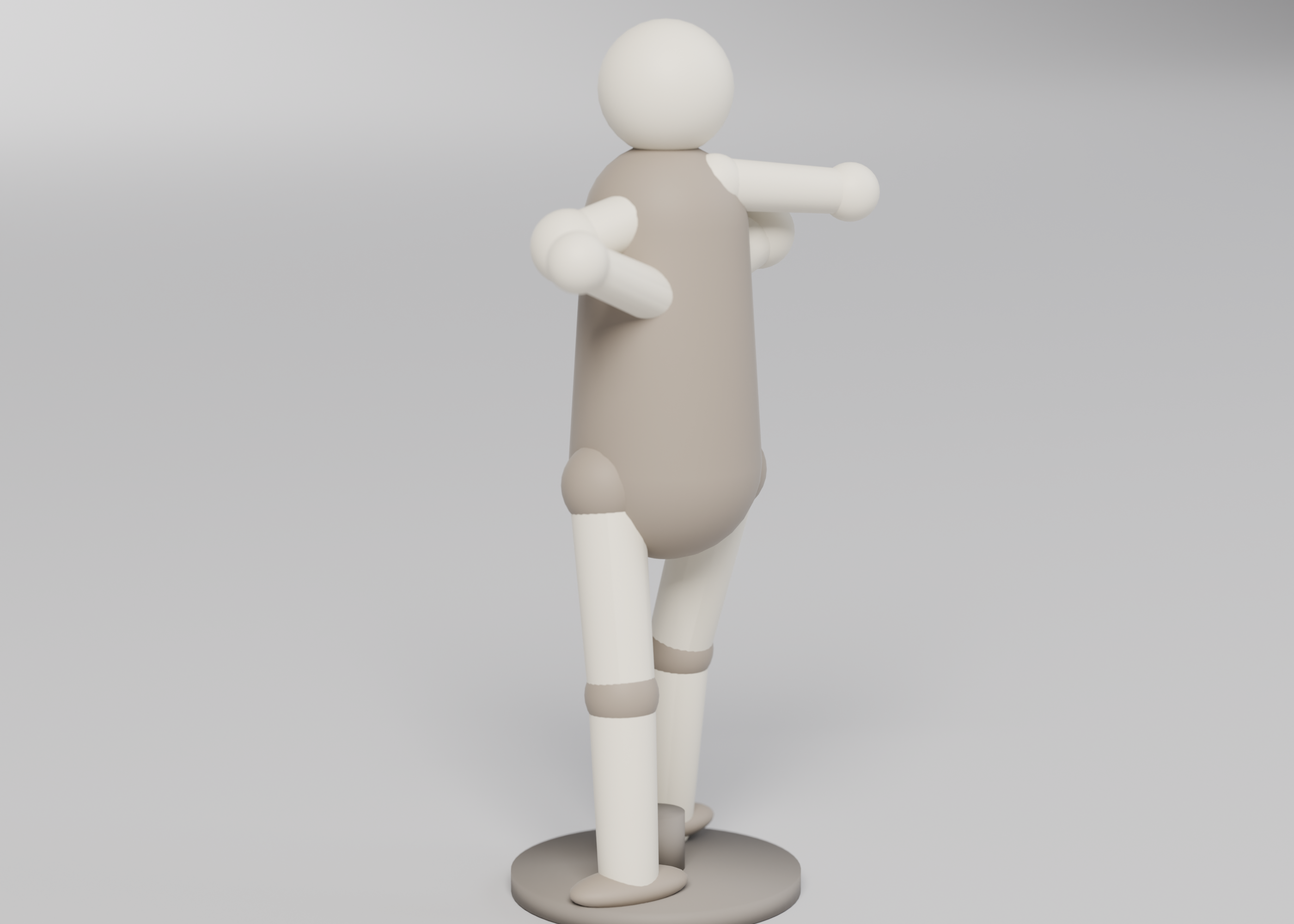
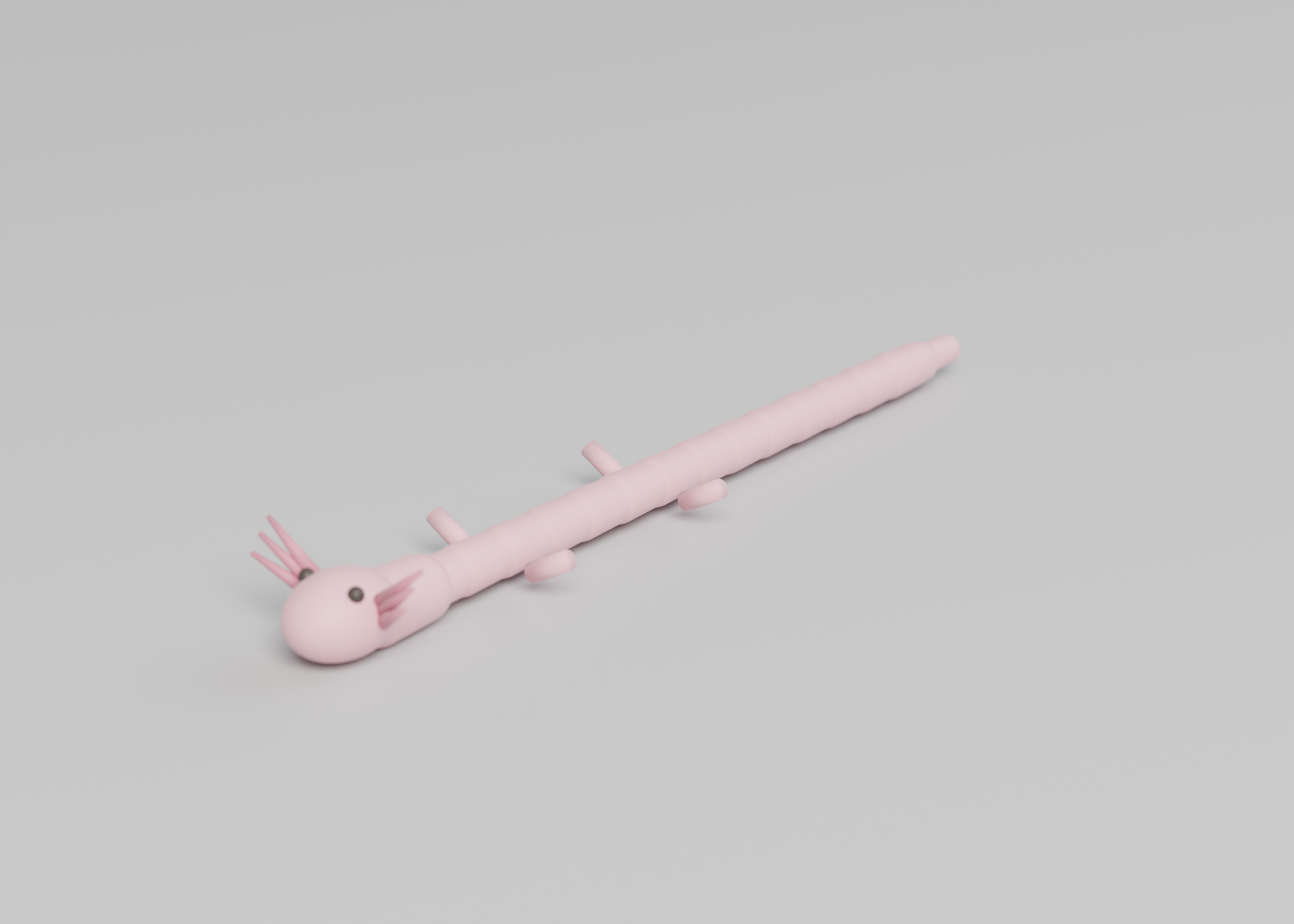
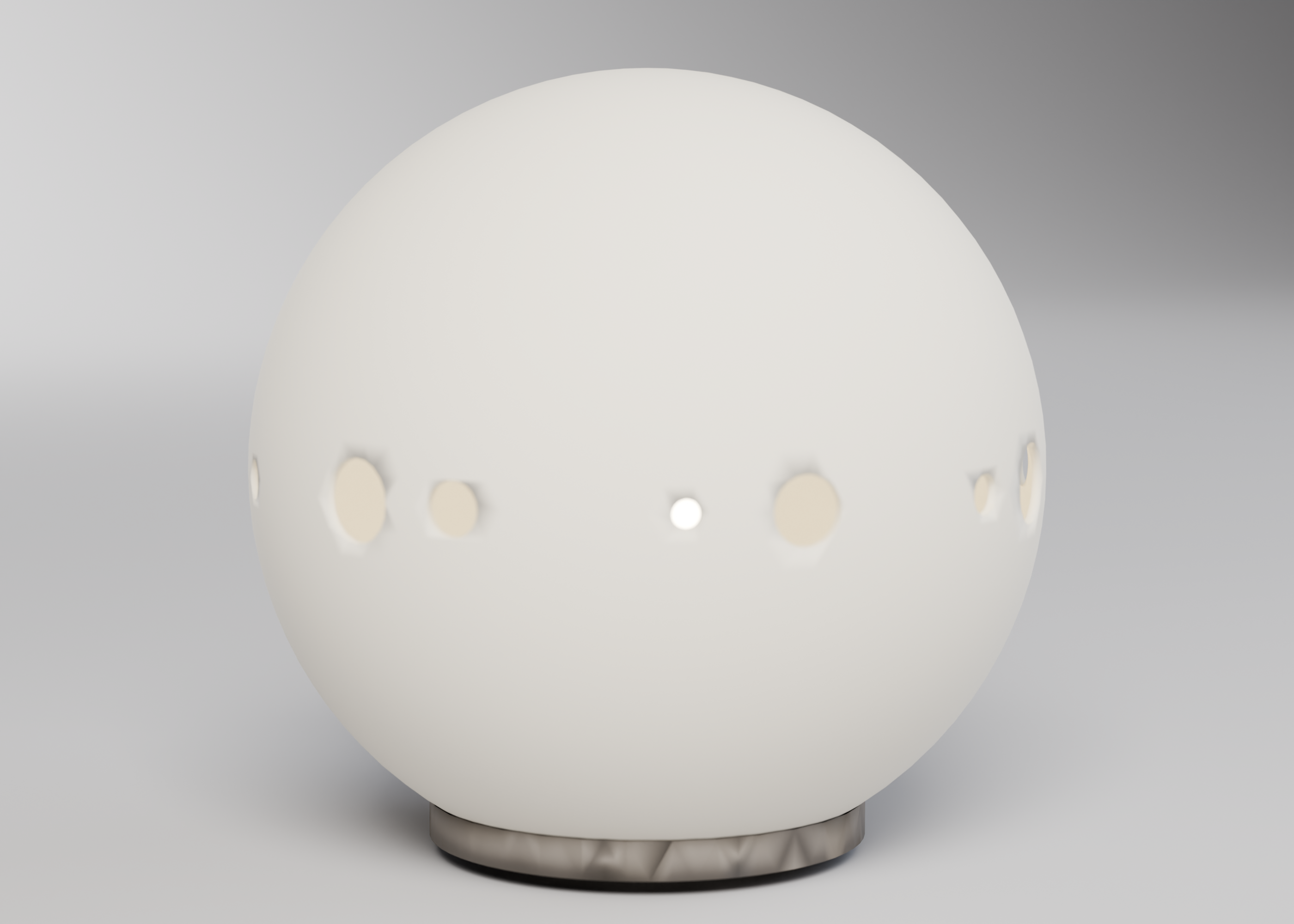
SDF sculptures
Fixture signed-distance sculptures become manifold meshes within dimension tolerances, with a few rendered views.
This is a CAD spec on Spekkr, published by onyx. It is listed with the other specs. Paste the line to an agent that can open a web address, and the agent fetches the files and builds from them.
- Spec
onyx/sdf-sculptures- Version
- 0.2.0
- Published by
- onyx
- Updated
- 15 Nov 2026
Build this spec
Build the spec at https://spekkr.com/onyx/sdf-sculptures/start.md.
Paste this to your AI agent. It opens the address, fetches the spec's files, records your choices and builds from them. Nothing to install, no account.
Published by onyx.
What does the result look like?
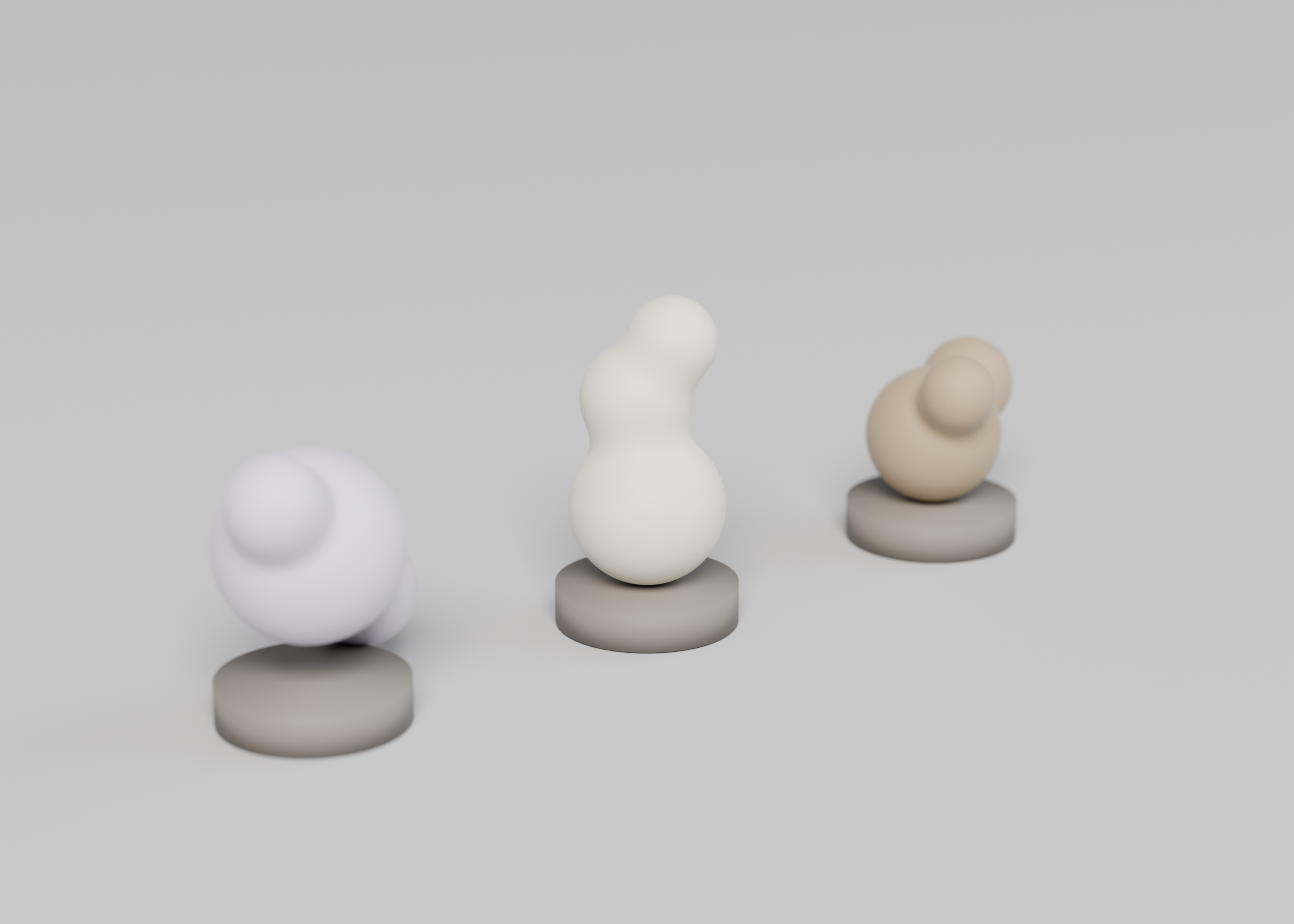
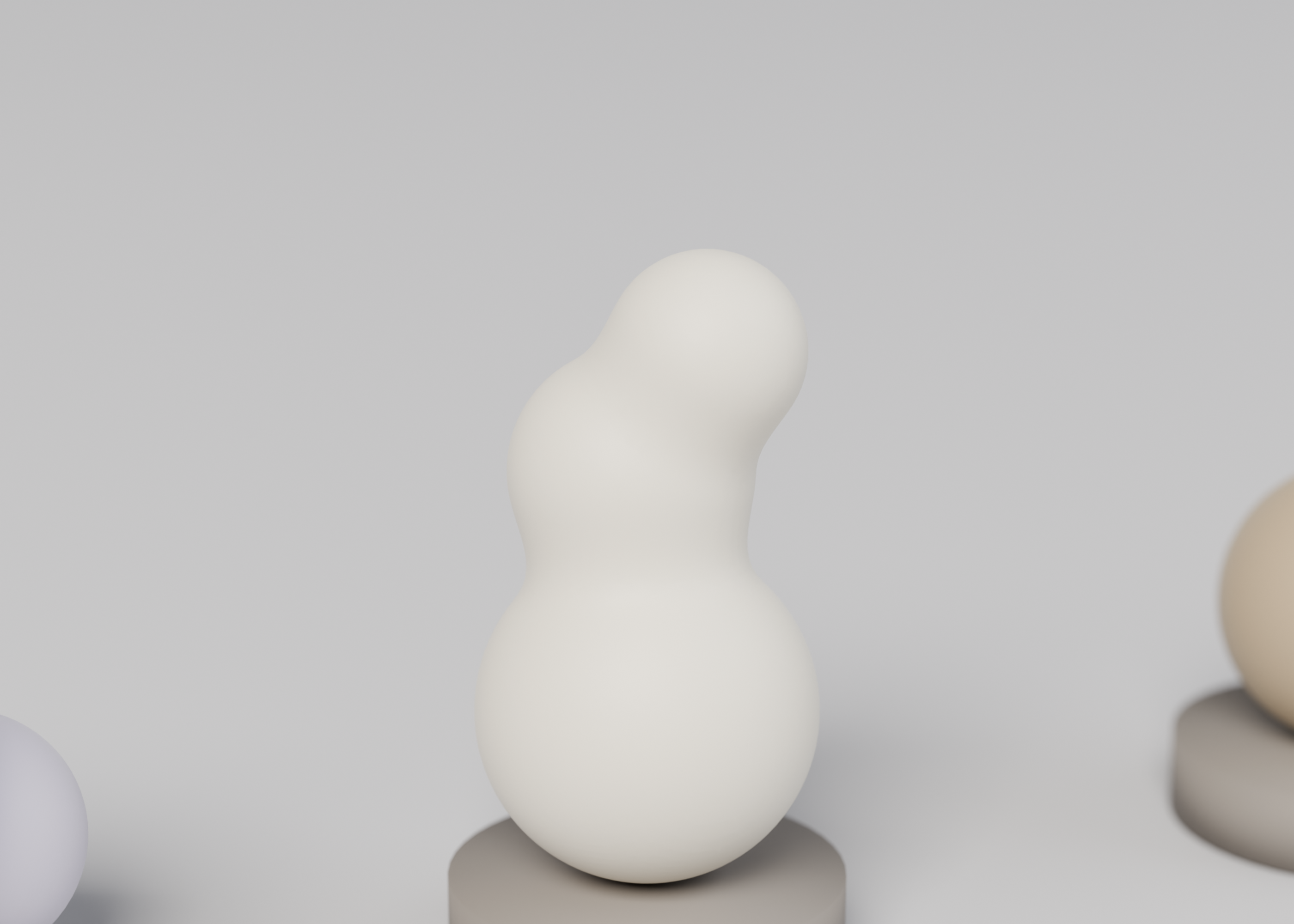
What can I customize?
Your choices go into the line you copy. Anything else is yours to edit, but it leaves the tested path.
What do I get?
-
spec.mdRequirements and acceptance checks.SDF sculptures
What this builds
A small set of sculptures defined as signed-distance functions, extracted to meshes. Fixture SDFs must produce manifold, watertight meshes whose bounding boxes match documented sizes. A few renders are written. No physical print is required. The forms are original.
Read
spekkr.inputs.jsonfirst.resolutionis the extract grid.sizescales the default piece.setchooses how many fixtures.smoothandstandchange the mesh.toolis the extractor.Out of scope
- A general SDF editor with a live gallery, in this version.
- A physical print.
- A commercial scan or a copyrighted statue.
Requirements
Each requirement has an id. Checks name the id they cover.
R1. Meshes
- Each fixture in
fixtures/sdfs/extracts to a watertight, manifold mesh. The bounding box matches the file within 0.5 mm, or 1% after a smooth pass, whichever the file says. - If
standis on, a base facet sits on Z = 0, with a documented area. - A known bad SDF (a fixture with a hole) fails the watertight check, so the checker is known to work both ways.
Accept when: every good fixture is manifold and in tolerance, the stand sits, and the bad SDF fails.
R2. Renders and files
- Renders of each shipped sculpture and a family view. One command extracts, checks, and writes the renders. No print.
Accept when: the command passes for both tools at resolution 64 and 128, and the four named renders are written for the
threeset.R3. Inputs
- Numeric inputs are read from
spekkr.inputs.jsonand must stay inside the ranges in the Inputs table indesign.md. - A value outside a range is refused before modelling, with a message that names the key.
- Options add or remove the features in that table. The
toolswap selects CadQuery or OpenSCAD; both must meet the same numbers.
Accept when: default and one out-of-range value are handled as above, and a second legal input set still matches the formulas in
design.md.R4. Checks and report
- One command builds the model at the defaults and at the person's inputs, measures it against
design.md, and writes a short report. - A model broken on purpose, for example a wall thinner than
wall, must fail the report. - The command exports the files this spec asks for (STL, and STEP when the tool can). No physical print is required.
Accept when: the report says pass at the defaults and at the person's inputs, and fail on a deliberately broken model.
Verification
Fixture SDFs produce manifold meshes within documented dimension tolerances. A bad open SDF fails the watertight check. A few sculptures are rendered. No physical print is required.
Definition of done
- Every acceptance check above runs from one command, and all pass at the person's inputs.
- A README says how to extract a mesh, how to add an SDF, and that a print is optional.
# SDF sculptures

## What this builds

A small set of sculptures defined as signed-distance functions, extracted
to meshes. Fixture SDFs must produce manifold, watertight meshes whose
bounding boxes match documented sizes. A few renders are written. No
physical print is required. The forms are original.

Read `spekkr.inputs.json` first. `resolution` is the extract grid. `size`
scales the default piece. `set` chooses how many fixtures. `smooth` and
`stand` change the mesh. `tool` is the extractor.

## Out of scope

- A general SDF editor with a live gallery, in this version.
- A physical print.
- A commercial scan or a copyrighted statue.

## Requirements

Each requirement has an id. Checks name the id they cover.

### R1. Meshes

- Each fixture in `fixtures/sdfs/` extracts to a watertight, manifold
  mesh. The bounding box matches the file within 0.5 mm, or 1% after a
  smooth pass, whichever the file says.
- If `stand` is on, a base facet sits on Z = 0, with a documented area.
- A known bad SDF (a fixture with a hole) fails the watertight check, so
  the checker is known to work both ways.

Accept when: every good fixture is manifold and in tolerance, the stand
sits, and the bad SDF fails.

### R2. Renders and files

- Renders of each shipped sculpture and a family view. One command
  extracts, checks, and writes the renders. No print.

Accept when: the command passes for both tools at resolution 64 and 128,
and the four named renders are written for the `three` set.

### R3. Inputs

- Numeric inputs are read from `spekkr.inputs.json` and must stay inside
  the ranges in the Inputs table in `design.md`.
- A value outside a range is refused before modelling, with a message that
  names the key.
- Options add or remove the features in that table. The `tool` swap
  selects CadQuery or OpenSCAD; both must meet the same numbers.

Accept when: default and one out-of-range value are handled as above, and
a second legal input set still matches the formulas in `design.md`.

### R4. Checks and report

- One command builds the model at the defaults and at the person's inputs,
  measures it against `design.md`, and writes a short report.
- A model broken on purpose, for example a wall thinner than `wall`, must
  fail the report.
- The command exports the files this spec asks for (STL, and STEP when the
  tool can). No physical print is required.

Accept when: the report says pass at the defaults and at the person's
inputs, and fail on a deliberately broken model.

## Verification

Fixture SDFs produce manifold meshes within documented dimension
tolerances. A bad open SDF fails the watertight check. A few sculptures
are rendered. No physical print is required.

## Definition of done

- Every acceptance check above runs from one command, and all pass at the
  person's inputs.
- A README says how to extract a mesh, how to add an SDF, and that a print
  is optional.
-
design.mdFixture SDFs, bounding-box tolerances, and watertight mesh checks.Design
This file fixes the geometry. How the model's code is organised is up to you, as long as the numbers here hold.
Fixtures
orb-twist,arch, and a third form, with SDF source and expected boxes infixtures/sdfs/. The bad fixture isfixtures/sdfs/bad-open.txt.Extract
A marching cubes or equivalent at
resolution, isovalue 0, world size scaled so the longest expected side issizefor the default piece.Inputs
Key Label Default Notes resolutionExtract resolution 128 64, 128 or 256, the grid along the longest side. sizeBounding size, mm 80 The longest side of the default sculpture, from 40 to 160. smoothA smooth pass on A documented smoothing that must not change the bounding box by more than 1%. standA small stand on A flat at the bottom so the piece sits. setSculpture set three three ships three fixture SDFs. one is the first, for quicker checks. toolExtract tool python A Python extract or an OpenSCAD surface. Acceptance at the defaults
Millimetres. Default bounding size 80, three original signed-distance primitives combined, smooth on, stand on.
Quantity Value Tolerance Source Bounding box, longest side 80.00 0.20 Of the default sculpture March resolution 0.25 — For the mesh extraction used in checks Smooth radius 4.00 0.10 When smoothis onBounding box change after smooth ≤ 1% — Each side Stand contact, flat diameter 18.00 0.20 When standis onThe sculpture is original. The mesh is manifold, watertight, and printable sitting on the stand flat. A second, smaller sculpture (longest side 40) ships in the same project to prove the SDF is parametric.
Screenshots
These pictures are headless OpenSCAD renders of the reference model in
reference/model.scad, at the default inputs. They are not drawings of a product that has not been modelled. The first picture is the one Spekkr shows on the spec's card. A build may ship its own goldens; those goldens are of that build and do not have to match these frames pixel-for-pixel.File What it shows shots/main.pngSDF sculpture 80 mm, stand flat How to verify
- Build the model at the default inputs and at two other legal input sets.
- Measure every row of the acceptance table in this file; each must fall inside its tolerance. Use the solid itself or a mesh library on the exported STL, as
design.mdsays for the chosen tool. - Refuse at least one out-of-range input by name before modelling.
- Confirm each exported part is a manifold, watertight mesh, and that walls and print orientation hold where this file asks.
- Fixture SDFs produce manifold meshes within documented dimension tolerances. A bad open SDF fails the watertight check. A few sculptures are rendered. No physical print is required.
# Design

This file fixes the geometry. How the model's code is organised is up to
you, as long as the numbers here hold.

## Fixtures

`orb-twist`, `arch`, and a third form, with SDF source and expected boxes
in `fixtures/sdfs/`. The bad fixture is `fixtures/sdfs/bad-open.txt`.

## Extract

A marching cubes or equivalent at `resolution`, isovalue 0, world size
scaled so the longest expected side is `size` for the default piece.

## Inputs

| Key | Label | Default | Notes |
| --- | --- | --- | --- |
| `resolution` | Extract resolution | 128 | 64, 128 or 256, the grid along the longest side. |
| `size` | Bounding size, mm | 80 | The longest side of the default sculpture, from 40 to 160. |
| `smooth` | A smooth pass | on | A documented smoothing that must not change the bounding box by more than 1%. |
| `stand` | A small stand | on | A flat at the bottom so the piece sits. |
| `set` | Sculpture set | three | three ships three fixture SDFs. one is the first, for quicker checks. |
| `tool` | Extract tool | python | A Python extract or an OpenSCAD surface. |

## Acceptance at the defaults

Millimetres. Default bounding size 80, three original signed-distance
primitives combined, smooth on, stand on.

| Quantity | Value | Tolerance | Source |
| --- | --- | --- | --- |
| Bounding box, longest side | 80.00 | 0.20 | Of the default sculpture |
| March resolution | 0.25 | — | For the mesh extraction used in checks |
| Smooth radius | 4.00 | 0.10 | When `smooth` is on |
| Bounding box change after smooth | ≤ 1% | — | Each side |
| Stand contact, flat diameter | 18.00 | 0.20 | When `stand` is on |

The sculpture is original. The mesh is manifold, watertight, and printable
sitting on the stand flat. A second, smaller sculpture (longest side 40)
ships in the same project to prove the SDF is parametric.

## Screenshots

These pictures are headless OpenSCAD renders of the reference model in
`reference/model.scad`, at the default inputs. They are not drawings of a
product that has not been modelled. The first picture is the one Spekkr
shows on the spec's card. A build may ship its own goldens; those goldens
are of that build and do not have to match these frames pixel-for-pixel.

| File | What it shows |
| --- | --- |
| `shots/main.png` | SDF sculpture  80 mm, stand flat |


## How to verify

1. Build the model at the default inputs and at two other legal input
sets.

2. Measure every row of the acceptance table in this file; each must fall
inside its tolerance. Use the solid itself or a mesh library on the
exported STL, as `design.md` says for the chosen tool.

3. Refuse at least one out-of-range input by name before modelling.

4. Confirm each exported part is a manifold, watertight mesh, and that
walls and print orientation hold where this file asks.

5. Fixture SDFs produce manifold meshes within documented dimension
tolerances. A bad open SDF fails the watertight check. A few sculptures
are rendered. No physical print is required.
-
tasks.mdBuild tasks in order, each with a check.Tasks
Work in order. Finish a task's check before starting the next.
- Set up. Install the tool in the
toolinput (CadQuery or OpenSCAD) and a mesh library for the checks. Readspekkr.inputs.jsoninto one place at the top of the model. Check: an empty or trivial model is written and read back, and the inputs are visible in that source. - Meshes (R1). Build what
R1. Meshesasks for, to the numbers indesign.md. In particular: Each fixture infixtures/sdfs/extracts to a watertight, manifold mesh. The bounding box matches the file within 0.5 mm, or 1% after a smooth pass, whichever the file says. Check: theR1. Meshesacceptance checks pass. - Renders and files (R2). Build what
R2. Renders and filesasks for, to the numbers indesign.md. In particular: Renders of each shipped sculpture and a family view. One command extracts, checks, and writes the renders. No print. Check: theR2. Renders and filesacceptance checks pass. - Inputs (R3). Build what
R3. Inputsasks for, to the numbers indesign.md. In particular: Numeric inputs are read fromspekkr.inputs.jsonand must stay inside the ranges in the Inputs table indesign.md. Check: theR3. Inputsacceptance checks pass. - Checks and report (R4). Build what
R4. Checks and reportasks for, to the numbers indesign.md. In particular: One command builds the model at the defaults and at the person's inputs, measures it againstdesign.md, and writes a short report. Check: theR4. Checks and reportacceptance checks pass. - Goldens and the report. Render the documented views of the default model. Run the one-command report at the defaults, at the person's inputs, and at one more legal set. Check: the report says pass throughout, and the rendered views are written next to the model.
- Finish. Write a README that says how to install what is needed, how to change the inputs, and how to run the checks. Run the one command from a clean folder. Check: every item under Definition of done in
spec.mdis true.
# Tasks

Work in order. Finish a task's check before starting the next.

1. **Set up.** Install the tool in the `tool` input (CadQuery or OpenSCAD)
and a mesh library for the checks. Read `spekkr.inputs.json` into one
place at the top of the model.
   Check: an empty or trivial model is written and read back, and the
inputs are visible in that source.

2. **Meshes (R1).** Build what `R1. Meshes` asks for, to the numbers in
`design.md`. In particular: Each fixture in `fixtures/sdfs/` extracts to a
watertight, manifold mesh. The bounding box matches the file within 0.5
mm, or 1% after a smooth pass, whichever the file says.
   Check: the `R1. Meshes` acceptance checks pass.

3. **Renders and files (R2).** Build what `R2. Renders and files` asks
for, to the numbers in `design.md`. In particular: Renders of each shipped
sculpture and a family view. One command extracts, checks, and writes the
renders. No print.
   Check: the `R2. Renders and files` acceptance checks pass.

4. **Inputs (R3).** Build what `R3. Inputs` asks for, to the numbers in
`design.md`. In particular: Numeric inputs are read from
`spekkr.inputs.json` and must stay inside the ranges in the Inputs table
in `design.md`.
   Check: the `R3. Inputs` acceptance checks pass.

5. **Checks and report (R4).** Build what `R4. Checks and report` asks
for, to the numbers in `design.md`. In particular: One command builds the
model at the defaults and at the person's inputs, measures it against
`design.md`, and writes a short report.
   Check: the `R4. Checks and report` acceptance checks pass.

6. **Goldens and the report.** Render the documented views of the default
model. Run the one-command report at the defaults, at the person's inputs,
and at one more legal set.
   Check: the report says pass throughout, and the rendered views are
written next to the model.

7. **Finish.** Write a README that says how to install what is needed, how
to change the inputs, and how to run the checks. Run the one command from
a clean folder.
   Check: every item under Definition of done in `spec.md` is true.
- Set up. Install the tool in the
-
reference/model.scadA parametric OpenSCAD reference of the default model, used to make the listing pictures. A build may use CadQuery or OpenSCAD and does not have to start from this file. -
shots/hero.pngStudio hero of the default model. -
shots/detail.pngCloser studio still of a joint, pocket, or surface.
Is it for me?
- Kind
- CAD
- Tools
- Python, OpenSCAD
What does it need?
- Agent permissions
- shell
- Commands it runs
install a tool that extracts a mesh from an SDF, or OpenSCADinstall a mesh library, such as trimesh
What changed?
- 0.2.015 Nov 2026Studio product shots from a shared Cycles rig (cyclorama, PLA materials), including a short loop when present.
- 0.1.014 Nov 2026First version.
For agents: start.md says how to build this spec, spec.json holds everything on this page, and bundle.tar.gz holds its files.