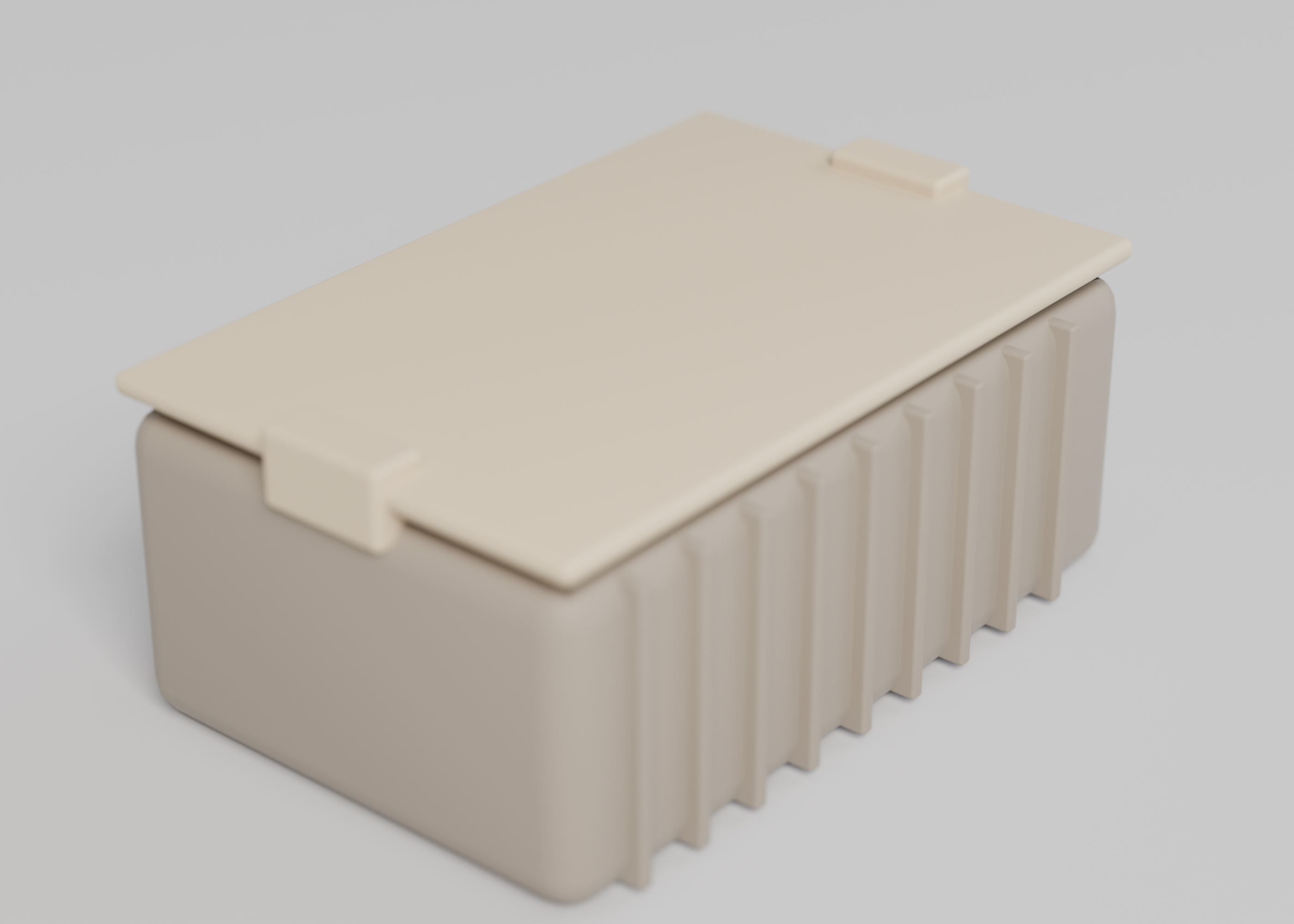
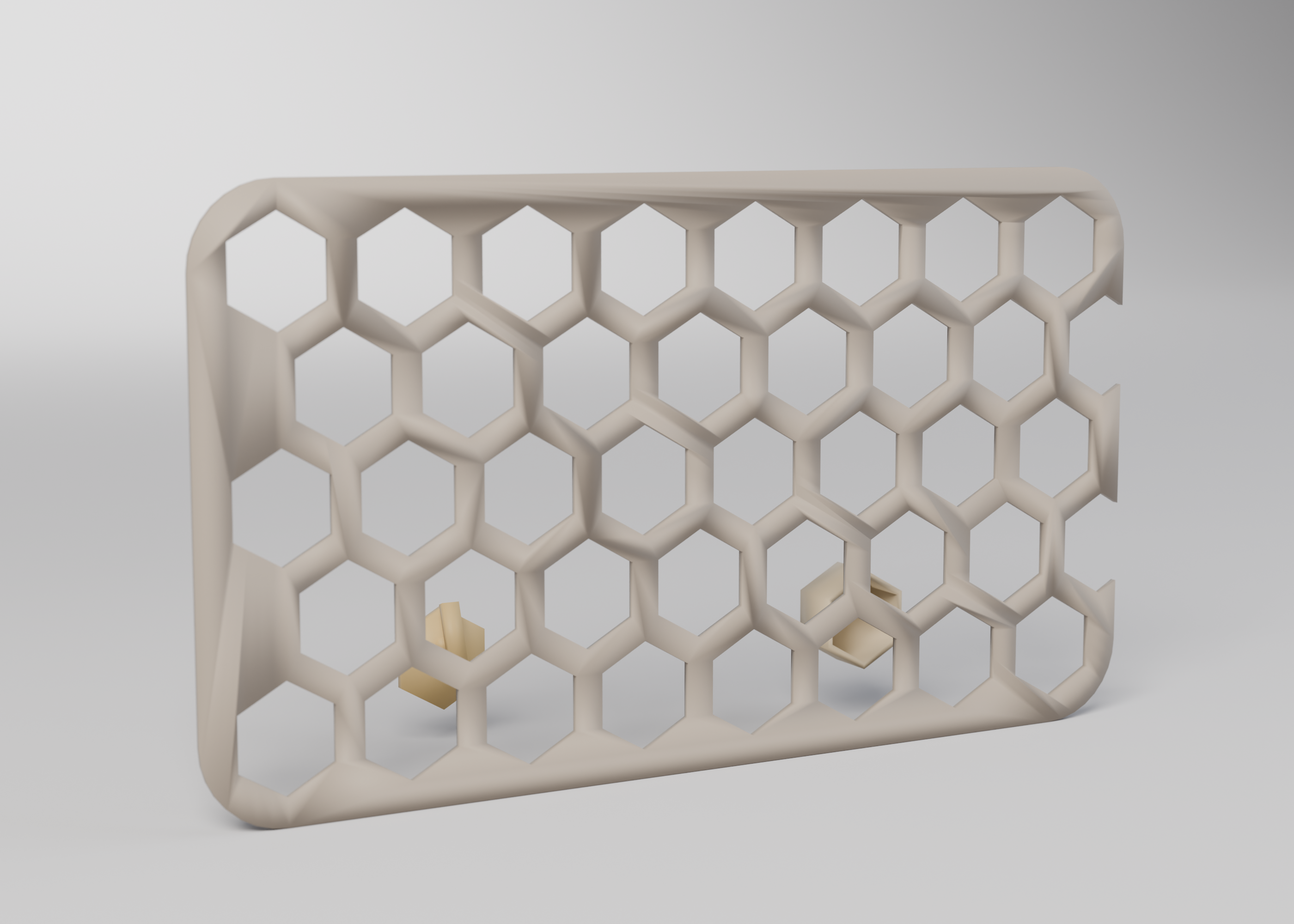
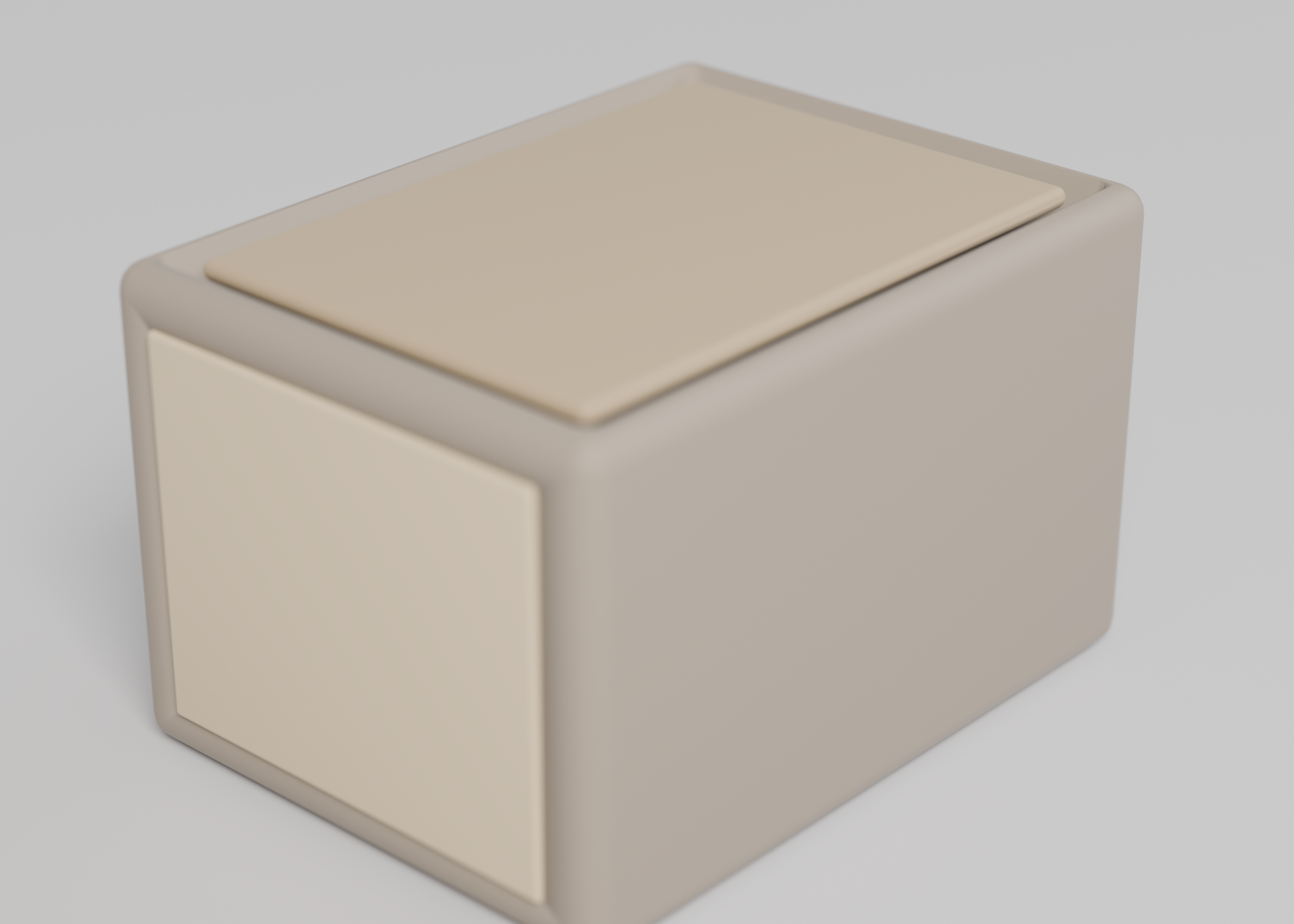
Card wallet
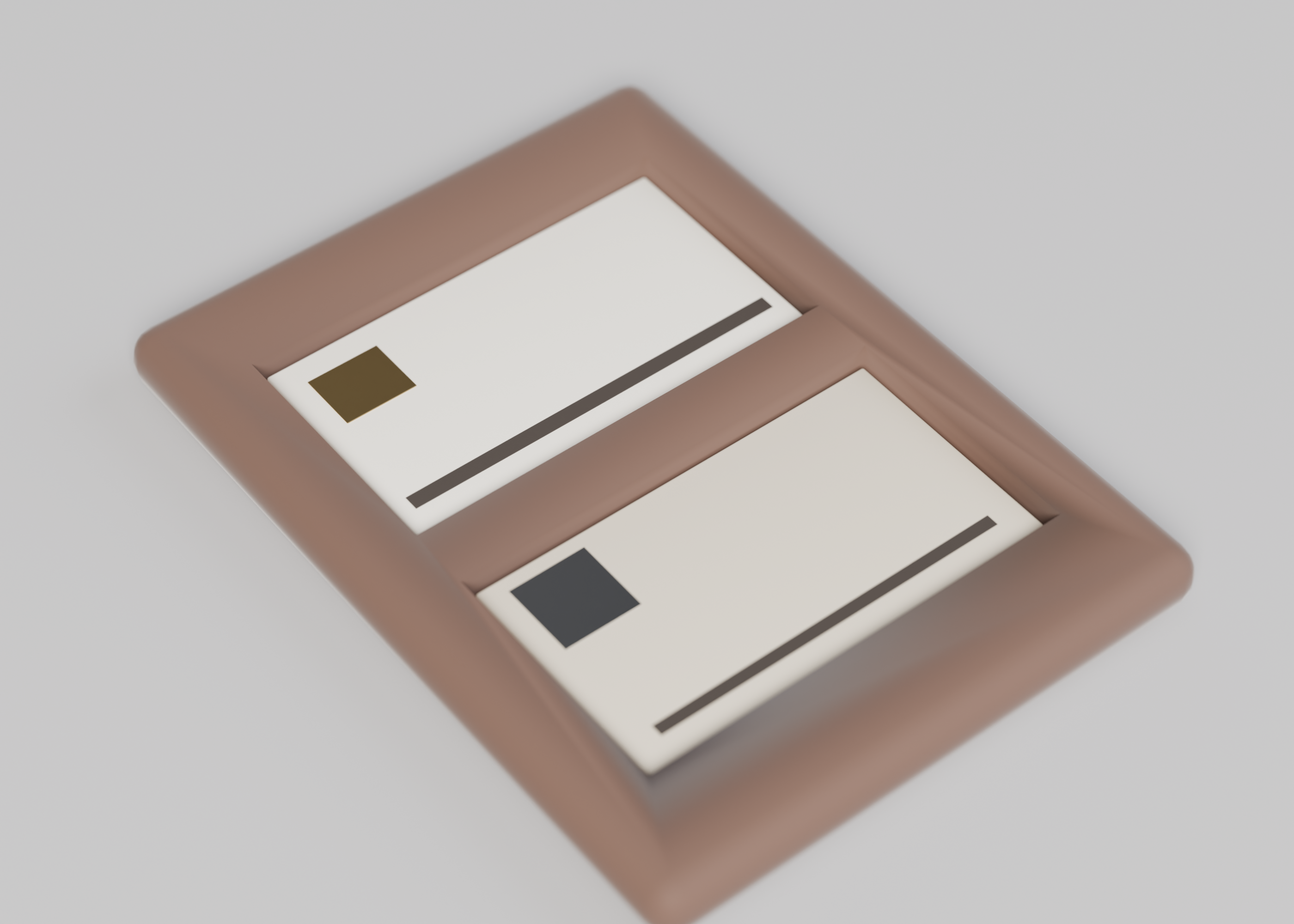
A cascade card wallet: slots sized to ISO/IEC 7810 plus clearance, wall thickness, and renders with cards in the slots.
This is a CAD spec on Spekkr, published by onyx. It is listed with the other specs. Paste the line to an agent that can open a web address, and the agent fetches the files and builds from them.
- Spec
onyx/card-wallet- Version
- 0.2.0
- Published by
- onyx
- Updated
- 14 Nov 2026
Build this spec
Build the spec at https://spekkr.com/onyx/card-wallet/start.md.
Paste this to your AI agent. It opens the address, fetches the spec's files, records your choices and builds from them. Nothing to install, no account.
Published by onyx.
What does the result look like?
What can I customize?
Your choices go into the line you copy. Anything else is yours to edit, but it leaves the tested path.
What do I get?
-
spec.mdRequirements and acceptance checks.Card wallet
What this builds
A cascade-style card wallet, modelled as code: a stack of slots that present cards like a stair. Slot openings are sized for an ID-1 card (ISO/IEC 7810: 85.60 by 53.98 mm, thickness 0.76 mm) plus a stated clearance. Wall thickness is measured. Renders include cards instanced in the slots (simple solids, not branded artwork). No physical print or real cards are required.
Read
spekkr.inputs.jsonfirst.slotsis the count.clearanceis added to 0.76 mm.wallis the shell.cashandclipadd features.toolis the modeller.Out of scope
- A real card, a branded card network's marks, or a physical print.
- A leather pattern, or a RFID claim, in this version.
- A bought metal clip.
Requirements
Each requirement has an id. Checks name the id they cover.
R1. Slots and cards
- Each slot accepts a 85.60 by 53.98 by (0.76 +
clearance) mm solid with a remaining gap ofclearancewithin 0.05 mm on thickness, and at least 0.2 mm on the edges, as indesign.md. - Instanced card solids in the slots do not overlap the wallet or each other. The number of cards equals
slots. - Min wall is at least
wall. The mesh is watertight.
Accept when: slot measures, non-overlap of instanced cards, and walls all match.
R2. Files and frames
- Renders: empty, with cards instanced, a section through the slots, and an exploded stair.
- One command builds, instances the cards, measures, and writes the renders. No print, no real card.
Accept when: the command passes for both tools, and a slot tighter than the card fails the accept check.
R3. Inputs
- Numeric inputs are read from
spekkr.inputs.jsonand must stay inside the ranges in the Inputs table indesign.md. - A value outside a range is refused before modelling, with a message that names the key.
- Options add or remove the features in that table. The
toolswap selects CadQuery or OpenSCAD; both must meet the same numbers.
Accept when: default and one out-of-range value are handled as above, and a second legal input set still matches the formulas in
design.md.R4. Checks and report
- One command builds the model at the defaults and at the person's inputs, measures it against
design.md, and writes a short report. - A model broken on purpose, for example a wall thinner than
wall, must fail the report. - The command exports the files this spec asks for (STL, and STEP when the tool can). No physical print is required.
Accept when: the report says pass at the defaults and at the person's inputs, and fail on a deliberately broken model.
Verification
Slot count and openings are measured against ISO/IEC 7810 card size plus the stated clearance. Wall thickness is checked. Renders include card solids instanced in the slots. No physical print and no real cards are required. No card-network marks are used.
Definition of done
- Every acceptance check above runs from one command, and all pass at the person's inputs.
- A README says how to export, how the card standard is applied, and that a print is optional.
# Card wallet

## What this builds

A cascade-style card wallet, modelled as code: a stack of slots that
present cards like a stair. Slot openings are sized for an ID-1 card
(ISO/IEC 7810: 85.60 by 53.98 mm, thickness 0.76 mm) plus a stated
clearance. Wall thickness is measured. Renders include cards instanced in
the slots (simple solids, not branded artwork). No physical print or real
cards are required.

Read `spekkr.inputs.json` first. `slots` is the count. `clearance` is
added to 0.76 mm. `wall` is the shell. `cash` and `clip` add features.
`tool` is the modeller.

## Out of scope

- A real card, a branded card network's marks, or a physical print.
- A leather pattern, or a RFID claim, in this version.
- A bought metal clip.

## Requirements

Each requirement has an id. Checks name the id they cover.

### R1. Slots and cards

- Each slot accepts a 85.60 by 53.98 by (0.76 + `clearance`) mm solid with
  a remaining gap of `clearance` within 0.05 mm on thickness, and at least
  0.2 mm on the edges, as in `design.md`.
- Instanced card solids in the slots do not overlap the wallet or each
  other. The number of cards equals `slots`.
- Min wall is at least `wall`. The mesh is watertight.

Accept when: slot measures, non-overlap of instanced cards, and walls all
match.

### R2. Files and frames

- Renders: empty, with cards instanced, a section through the slots, and
  an exploded stair.
- One command builds, instances the cards, measures, and writes the
  renders. No print, no real card.

Accept when: the command passes for both tools, and a slot tighter than
the card fails the accept check.

### R3. Inputs

- Numeric inputs are read from `spekkr.inputs.json` and must stay inside
  the ranges in the Inputs table in `design.md`.
- A value outside a range is refused before modelling, with a message that
  names the key.
- Options add or remove the features in that table. The `tool` swap
  selects CadQuery or OpenSCAD; both must meet the same numbers.

Accept when: default and one out-of-range value are handled as above, and
a second legal input set still matches the formulas in `design.md`.

### R4. Checks and report

- One command builds the model at the defaults and at the person's inputs,
  measures it against `design.md`, and writes a short report.
- A model broken on purpose, for example a wall thinner than `wall`, must
  fail the report.
- The command exports the files this spec asks for (STL, and STEP when the
  tool can). No physical print is required.

Accept when: the report says pass at the defaults and at the person's
inputs, and fail on a deliberately broken model.

## Verification

Slot count and openings are measured against ISO/IEC 7810 card size plus
the stated clearance. Wall thickness is checked. Renders include card
solids instanced in the slots. No physical print and no real cards are
required. No card-network marks are used.

## Definition of done

- Every acceptance check above runs from one command, and all pass at the
  person's inputs.
- A README says how to export, how the card standard is applied, and that
  a print is optional.
-
design.mdISO/IEC 7810 slot sizes, cascade offset, and instanced-card clearance.Design
This file fixes the geometry. How the model's code is organised is up to you, as long as the numbers here hold.
Card
ID-1: 85.60 × 53.98 × 0.76 mm (ISO/IEC 7810). The slot thickness is 0.76 +
clearance. Cascade offset (how much each card peeks) is 8 mm, unless the file says otherwise, infixtures/wallet-measures.json.Cash sleeve
If on, a pocket of at least 2 mm opening, behind the slots, as in the file.
Inputs
Key Label Default Notes slotsNumber of slots 4 From 2 to 8. clearanceCard clearance, mm 0.2 Added to the card thickness, from 0.1 to 0.4. wallWall thickness, mm 1.6 From 1.2 to 3. cashA cash sleeve on A flat pocket behind the slots. clipA money clip form off A simple clip feature, not a bought spring. toolModelling tool cadquery CadQuery writes STEP and STL. OpenSCAD writes STL. Acceptance at the defaults
Millimetres. Default width 74, height 100, two card slots, cash sleeve on, clip off. Sized around a 85.6 × 53.98 mm card with documented clearance, not a branded wallet.
Quantity Value Tolerance Source Outer width, height 74.00, 100.00 0.15 Closed, empty Body thickness 8.00 0.15 Empty, cash sleeve on Card slot opening 55.20 × 2.00 0.10 Two slots Card insertion clearance 0.60 0.10 Around a 85.60 × 53.98 card Cash sleeve inner height 90.00 0.20 When cashis onA card inserted in a slot in the model does not intersect the wall and protrudes 8 to 16 mm for a grip. Print as one piece, open slots facing up. Minimum wall 1.6 mm.
Screenshots
These pictures are headless OpenSCAD renders of the reference model in
reference/model.scad, at the default inputs. They are not drawings of a product that has not been modelled. The first picture is the one Spekkr shows on the spec's card. A build may ship its own goldens; those goldens are of that build and do not have to match these frames pixel-for-pixel.File What it shows shots/open-slots.pngWallet 74 × 100 mm, two card slots How to verify
- Build the model at the default inputs and at two other legal input sets.
- Measure every row of the acceptance table in this file; each must fall inside its tolerance. Use the solid itself or a mesh library on the exported STL, as
design.mdsays for the chosen tool. - Refuse at least one out-of-range input by name before modelling.
- Confirm each exported part is a manifold, watertight mesh, and that walls and print orientation hold where this file asks.
- Slot count and openings are measured against ISO/IEC 7810 card size plus the stated clearance. Wall thickness is checked. Renders include card solids instanced in the slots. No physical print and no real cards are required. No card-network marks are used.
# Design

This file fixes the geometry. How the model's code is organised is up to
you, as long as the numbers here hold.

## Card

ID-1: 85.60 × 53.98 × 0.76 mm (ISO/IEC 7810). The slot thickness is 0.76 +
`clearance`. Cascade offset (how much each card peeks) is 8 mm, unless the
file says otherwise, in `fixtures/wallet-measures.json`.

## Cash sleeve

If on, a pocket of at least 2 mm opening, behind the slots, as in the
file.

## Inputs

| Key | Label | Default | Notes |
| --- | --- | --- | --- |
| `slots` | Number of slots | 4 | From 2 to 8. |
| `clearance` | Card clearance, mm | 0.2 | Added to the card thickness, from 0.1 to 0.4. |
| `wall` | Wall thickness, mm | 1.6 | From 1.2 to 3. |
| `cash` | A cash sleeve | on | A flat pocket behind the slots. |
| `clip` | A money clip form | off | A simple clip feature, not a bought spring. |
| `tool` | Modelling tool | cadquery | CadQuery writes STEP and STL. OpenSCAD writes STL. |

## Acceptance at the defaults

Millimetres. Default width 74, height 100, two card slots, cash sleeve on,
clip off. Sized around a 85.6 × 53.98 mm card with documented clearance,
not a branded wallet.

| Quantity | Value | Tolerance | Source |
| --- | --- | --- | --- |
| Outer width, height | 74.00, 100.00 | 0.15 | Closed, empty |
| Body thickness | 8.00 | 0.15 | Empty, cash sleeve on |
| Card slot opening | 55.20 × 2.00 | 0.10 | Two slots |
| Card insertion clearance | 0.60 | 0.10 | Around a 85.60 × 53.98 card |
| Cash sleeve inner height | 90.00 | 0.20 | When `cash` is on |

A card inserted in a slot in the model does not intersect the wall and
protrudes 8 to 16 mm for a grip. Print as one piece, open slots facing up.
Minimum wall 1.6 mm.

## Screenshots

These pictures are headless OpenSCAD renders of the reference model in
`reference/model.scad`, at the default inputs. They are not drawings of a
product that has not been modelled. The first picture is the one Spekkr
shows on the spec's card. A build may ship its own goldens; those goldens
are of that build and do not have to match these frames pixel-for-pixel.

| File | What it shows |
| --- | --- |
| `shots/open-slots.png` | Wallet  74 × 100 mm, two card slots |


## How to verify

1. Build the model at the default inputs and at two other legal input
sets.

2. Measure every row of the acceptance table in this file; each must fall
inside its tolerance. Use the solid itself or a mesh library on the
exported STL, as `design.md` says for the chosen tool.

3. Refuse at least one out-of-range input by name before modelling.

4. Confirm each exported part is a manifold, watertight mesh, and that
walls and print orientation hold where this file asks.

5. Slot count and openings are measured against ISO/IEC 7810 card size
plus the stated clearance. Wall thickness is checked. Renders include card
solids instanced in the slots. No physical print and no real cards are
required. No card-network marks are used.
-
tasks.mdBuild tasks in order, each with a check.Tasks
Work in order. Finish a task's check before starting the next.
- Set up. Install the tool in the
toolinput (CadQuery or OpenSCAD) and a mesh library for the checks. Readspekkr.inputs.jsoninto one place at the top of the model. Check: an empty or trivial model is written and read back, and the inputs are visible in that source. - Slots and cards (R1). Build what
R1. Slots and cardsasks for, to the numbers indesign.md. In particular: Each slot accepts a 85.60 by 53.98 by (0.76 +clearance) mm solid with a remaining gap ofclearancewithin 0.05 mm on thickness, and at least 0.2 mm on the edges, as indesign.md. Check: theR1. Slots and cardsacceptance checks pass. - Files and frames (R2). Build what
R2. Files and framesasks for, to the numbers indesign.md. In particular: Renders: empty, with cards instanced, a section through the slots, and an exploded stair. Check: theR2. Files and framesacceptance checks pass. - Inputs (R3). Build what
R3. Inputsasks for, to the numbers indesign.md. In particular: Numeric inputs are read fromspekkr.inputs.jsonand must stay inside the ranges in the Inputs table indesign.md. Check: theR3. Inputsacceptance checks pass. - Checks and report (R4). Build what
R4. Checks and reportasks for, to the numbers indesign.md. In particular: One command builds the model at the defaults and at the person's inputs, measures it againstdesign.md, and writes a short report. Check: theR4. Checks and reportacceptance checks pass. - Goldens and the report. Render the documented views of the default model. Run the one-command report at the defaults, at the person's inputs, and at one more legal set. Check: the report says pass throughout, and the rendered views are written next to the model.
- Finish. Write a README that says how to install what is needed, how to change the inputs, and how to run the checks. Run the one command from a clean folder. Check: every item under Definition of done in
spec.mdis true.
# Tasks

Work in order. Finish a task's check before starting the next.

1. **Set up.** Install the tool in the `tool` input (CadQuery or OpenSCAD)
and a mesh library for the checks. Read `spekkr.inputs.json` into one
place at the top of the model.
   Check: an empty or trivial model is written and read back, and the
inputs are visible in that source.

2. **Slots and cards (R1).** Build what `R1. Slots and cards` asks for, to
the numbers in `design.md`. In particular: Each slot accepts a 85.60 by
53.98 by (0.76 + `clearance`) mm solid with a remaining gap of `clearance`
within 0.05 mm on thickness, and at least 0.2 mm on the edges, as in
`design.md`.
   Check: the `R1. Slots and cards` acceptance checks pass.

3. **Files and frames (R2).** Build what `R2. Files and frames` asks for,
to the numbers in `design.md`. In particular: Renders: empty, with cards
instanced, a section through the slots, and an exploded stair.
   Check: the `R2. Files and frames` acceptance checks pass.

4. **Inputs (R3).** Build what `R3. Inputs` asks for, to the numbers in
`design.md`. In particular: Numeric inputs are read from
`spekkr.inputs.json` and must stay inside the ranges in the Inputs table
in `design.md`.
   Check: the `R3. Inputs` acceptance checks pass.

5. **Checks and report (R4).** Build what `R4. Checks and report` asks
for, to the numbers in `design.md`. In particular: One command builds the
model at the defaults and at the person's inputs, measures it against
`design.md`, and writes a short report.
   Check: the `R4. Checks and report` acceptance checks pass.

6. **Goldens and the report.** Render the documented views of the default
model. Run the one-command report at the defaults, at the person's inputs,
and at one more legal set.
   Check: the report says pass throughout, and the rendered views are
written next to the model.

7. **Finish.** Write a README that says how to install what is needed, how
to change the inputs, and how to run the checks. Run the one command from
a clean folder.
   Check: every item under Definition of done in `spec.md` is true.
- Set up. Install the tool in the
-
reference/model.scadA parametric OpenSCAD reference of the default model, used to make the listing pictures. A build may use CadQuery or OpenSCAD and does not have to start from this file. -
shots/hero.pngStudio hero of the default model. -
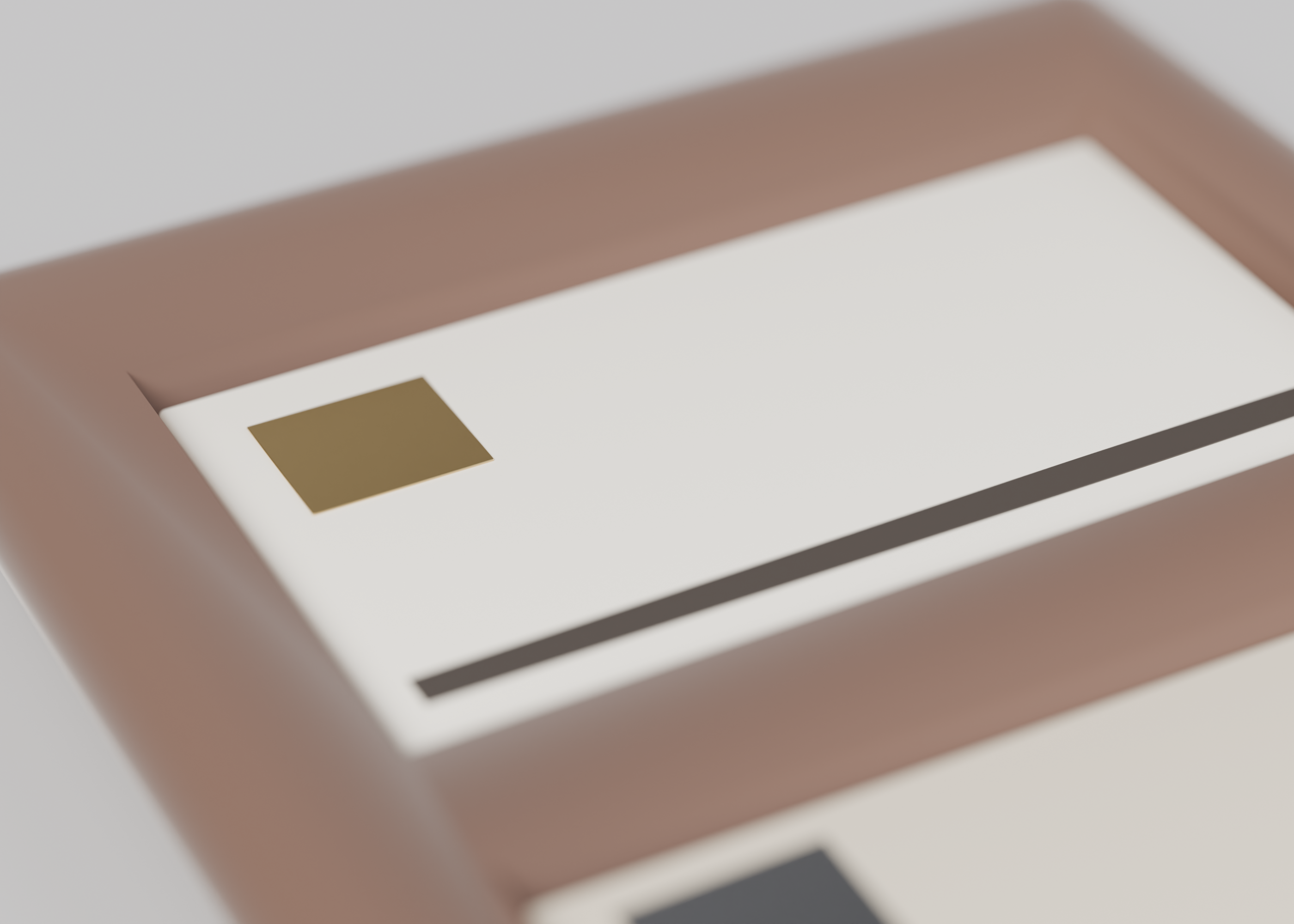
shots/detail.pngCloser studio still of a joint, pocket, or surface.
Is it for me?
- Kind
- CAD
- Tools
- CadQuery, OpenSCAD
What does it need?
- Agent permissions
- shell
- Commands it runs
install CadQuery or OpenSCAD, whichever the tool input namesinstall a mesh library, such as trimesh
What changed?
- 0.2.014 Nov 2026Studio product shots from a shared Cycles rig (cyclorama, PLA materials), including a short loop when present.
- 0.1.014 Nov 2026First version.
For agents: start.md says how to build this spec, spec.json holds everything on this page, and bundle.tar.gz holds its files.