Audit log
An append-only record of who did what, chained so that an edit or a gap shows, with filters, export and a retention rule.
This is an app part spec on Spekkr, published by vex. It is listed with the other specs. Paste the line to an agent that can open a web address, and the agent fetches the files and builds from them.
- Spec
vex/audit-log- Version
- 0.1.2
- Published by
- vex
- Updated
- 15 Nov 2026
Build this spec
Build the spec at https://spekkr.com/vex/audit-log/start.md.
Paste this to your AI agent. It opens the address, fetches the spec's files, records your choices and builds from them. Nothing to install, no account.
Published by vex.
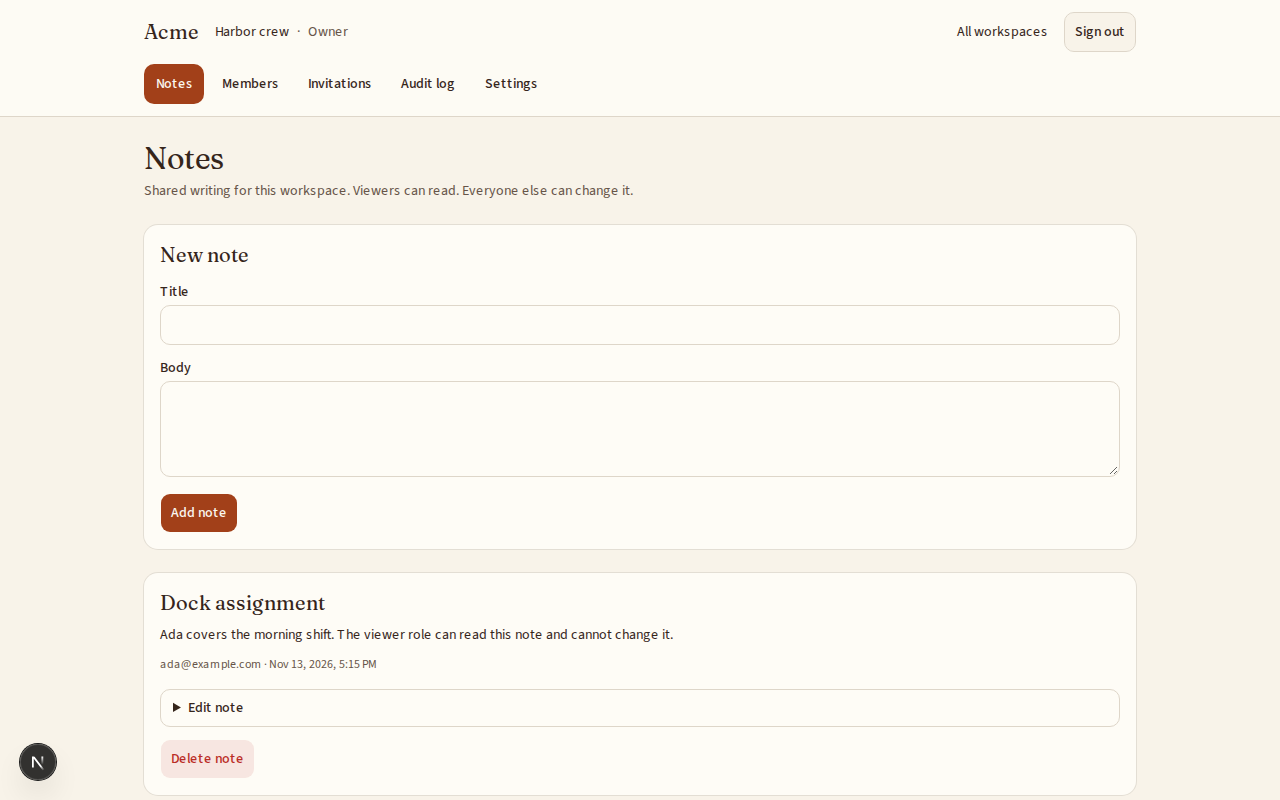
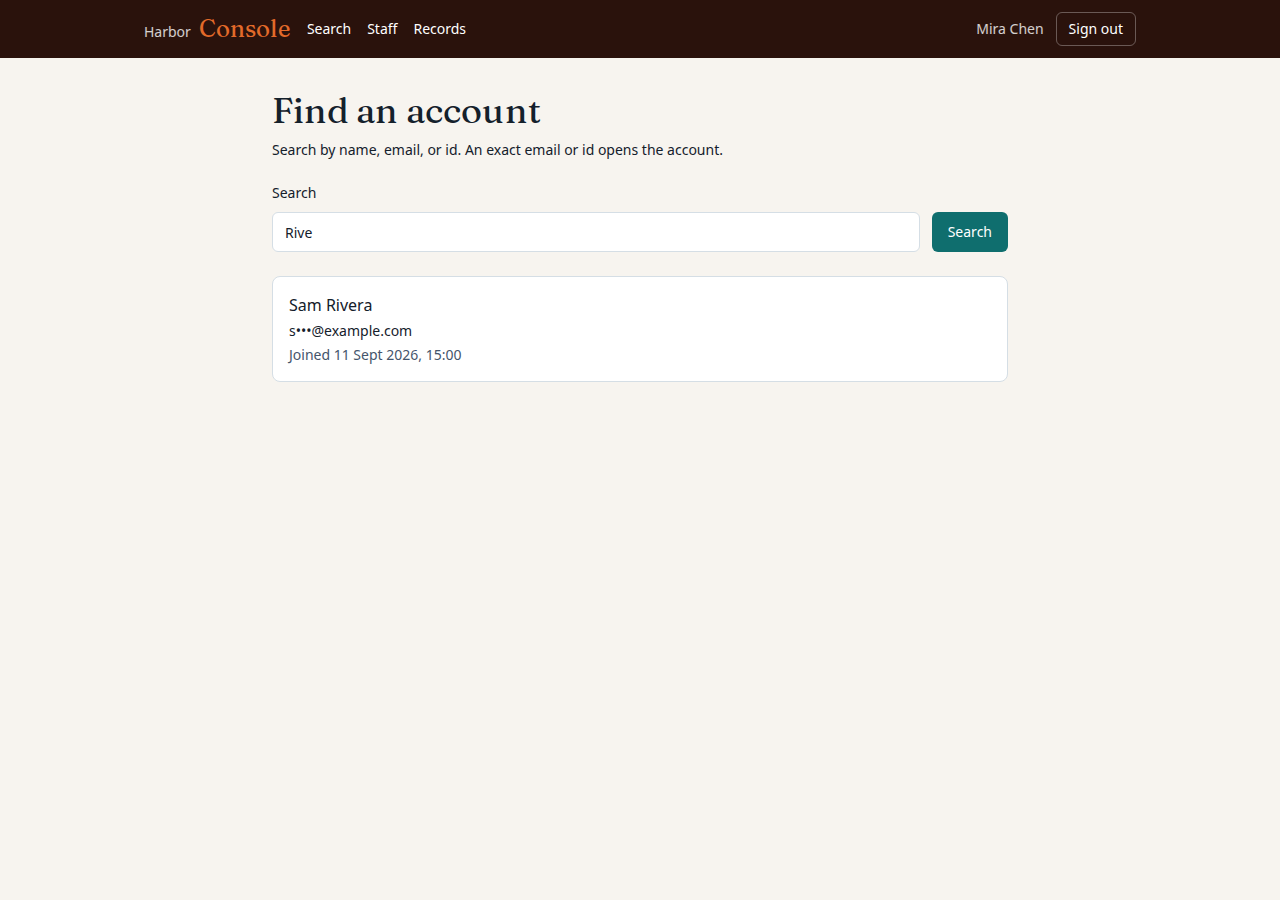
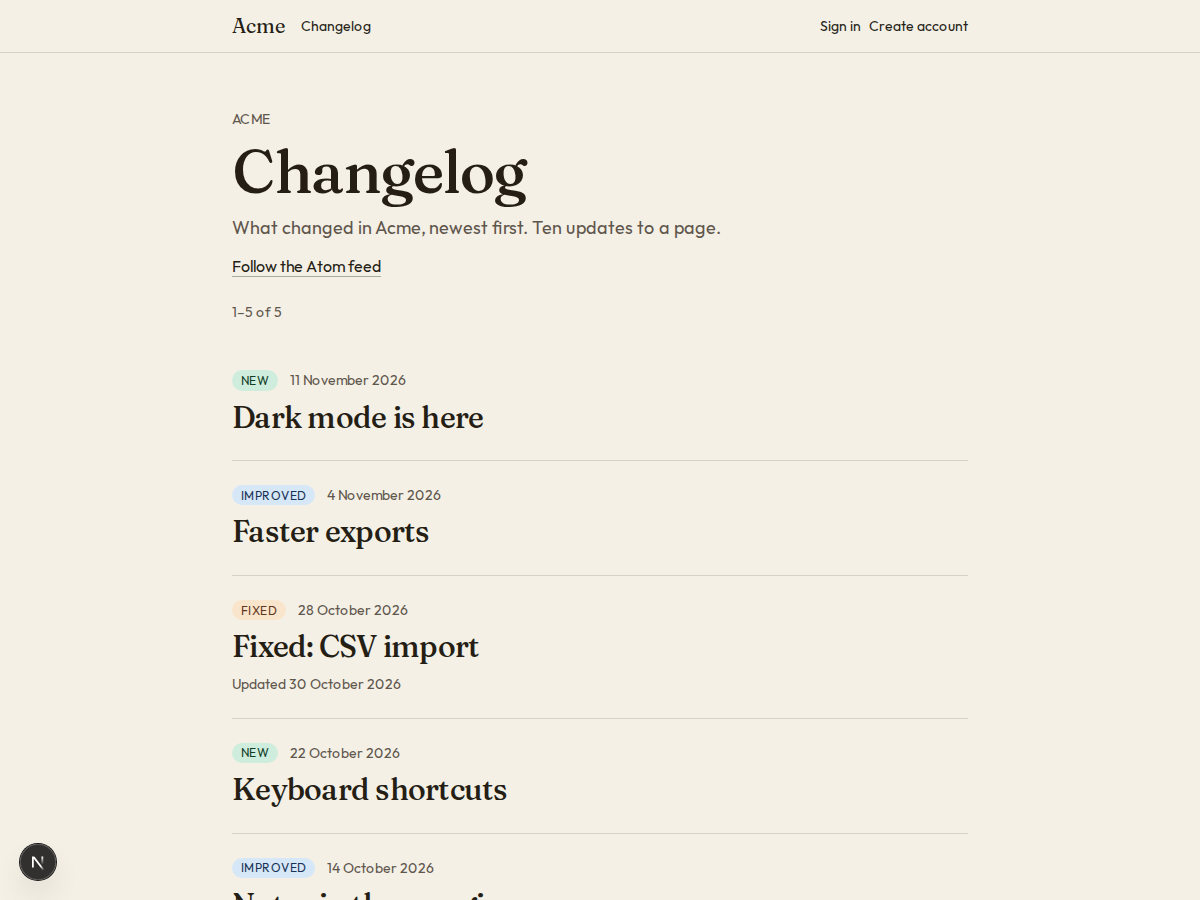
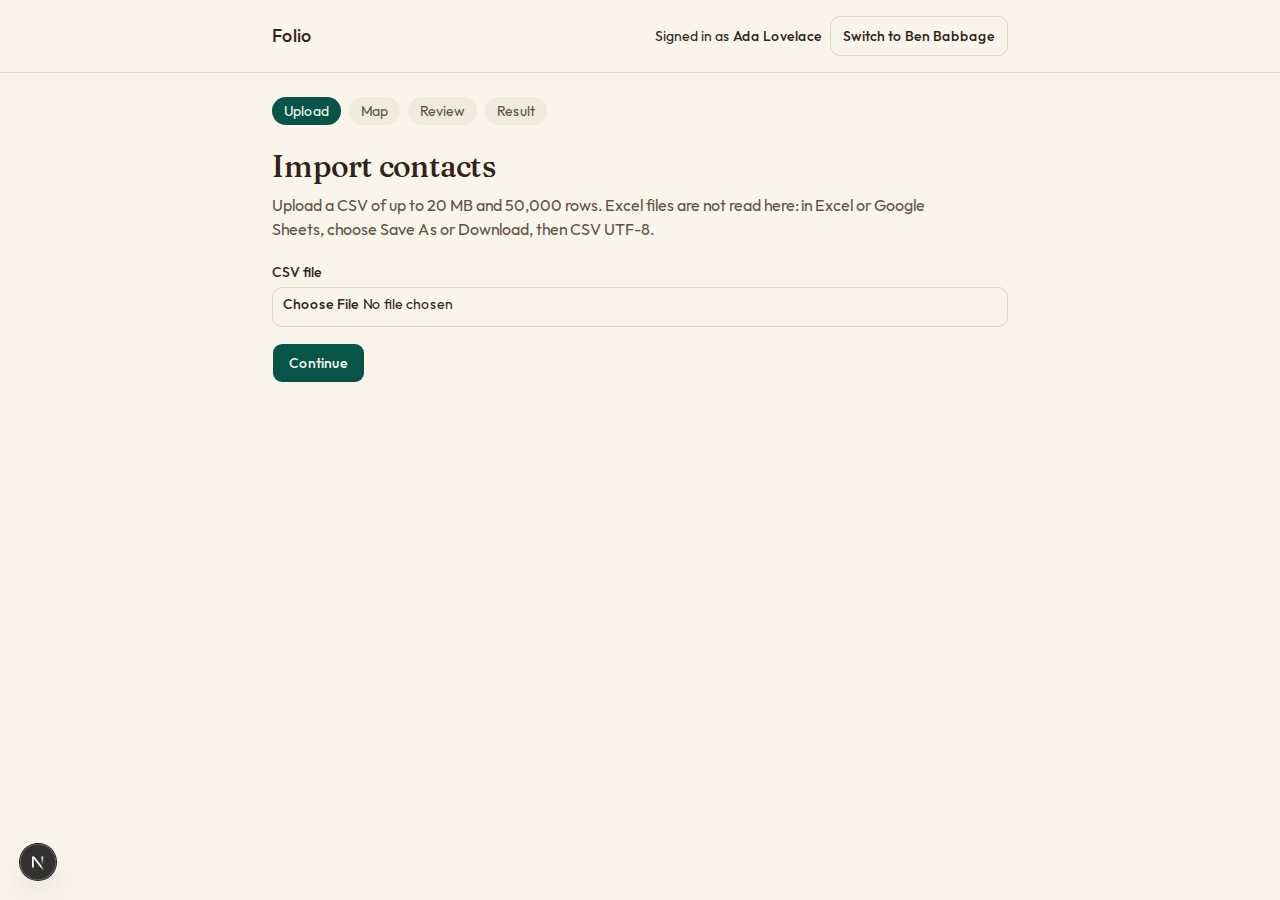
What does the result look like?
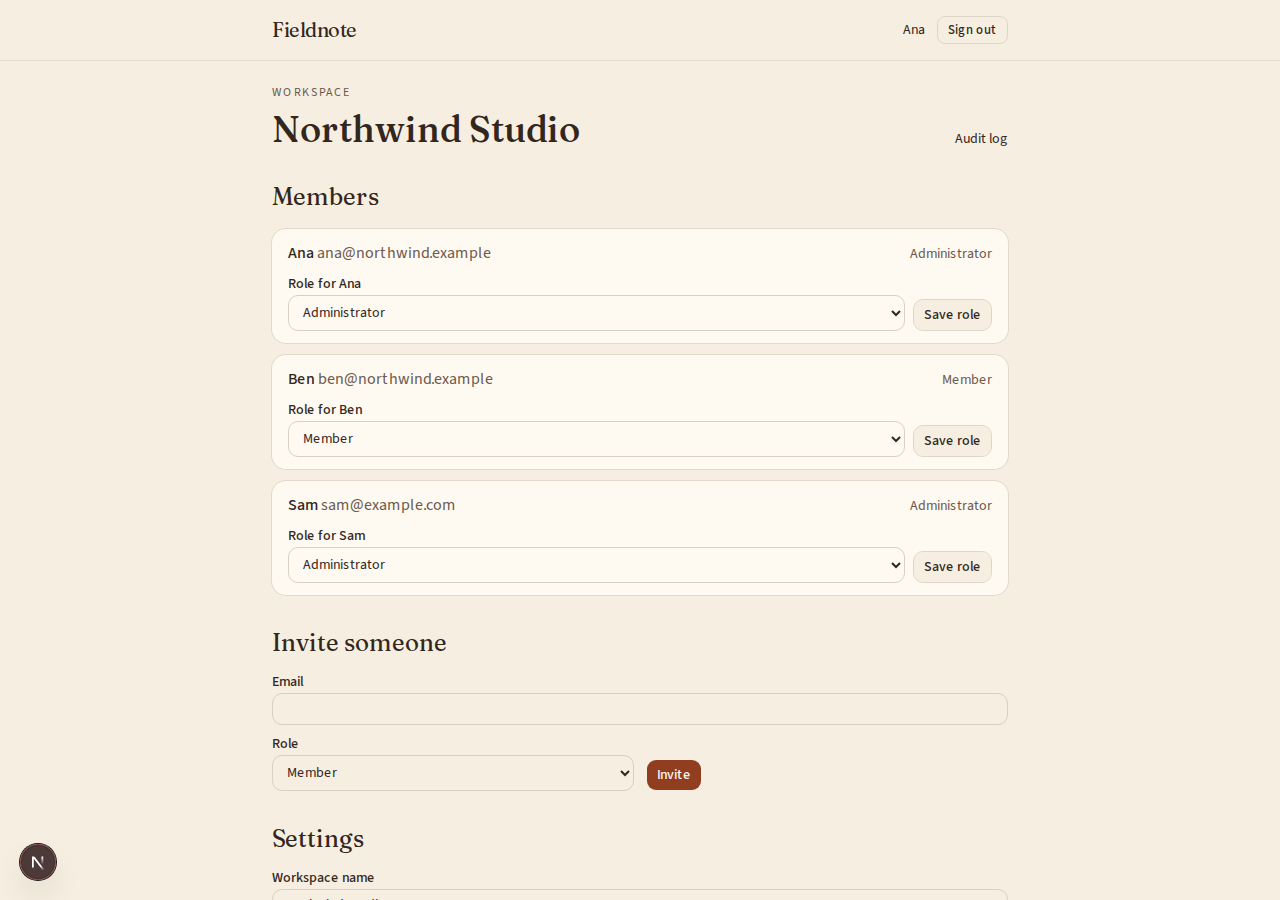
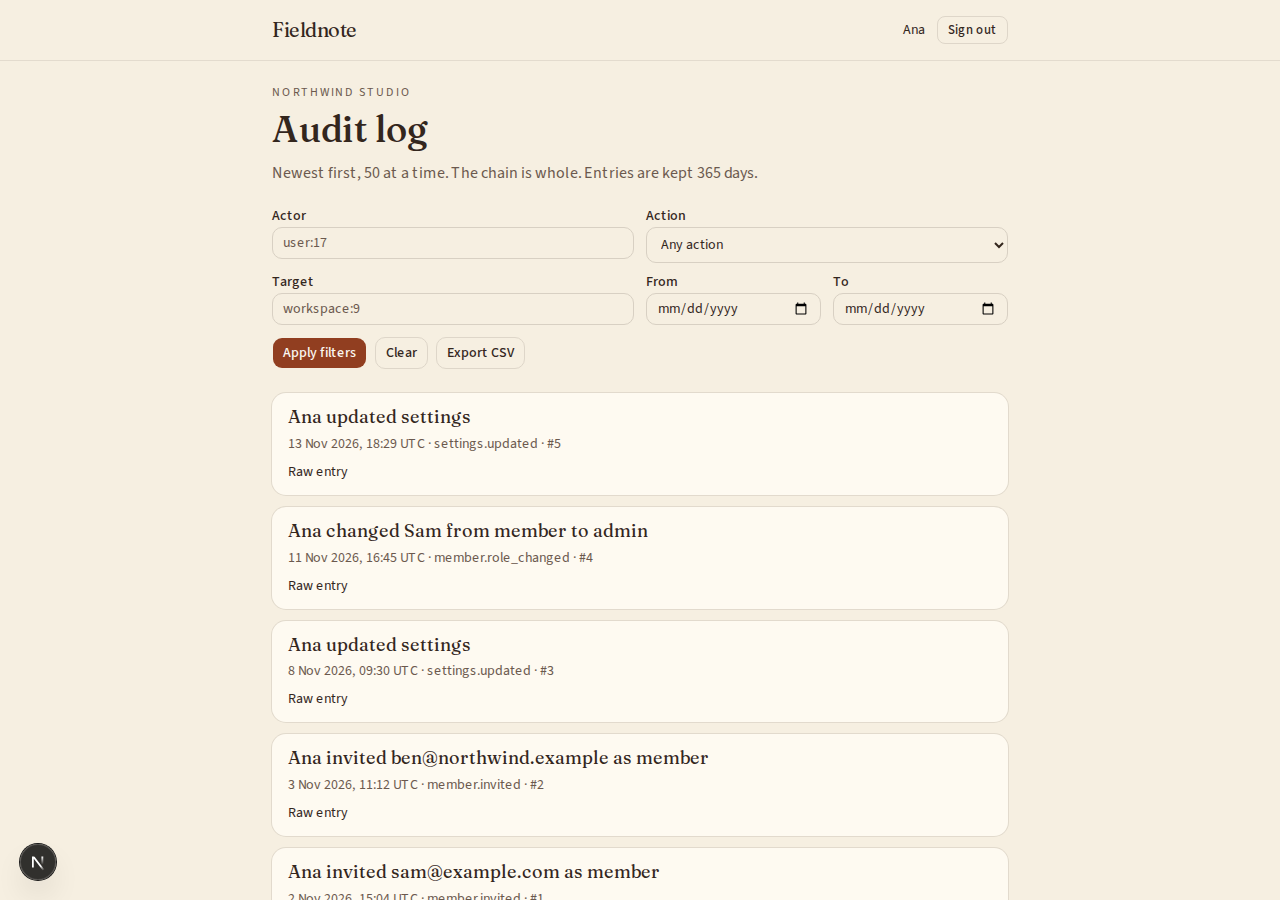
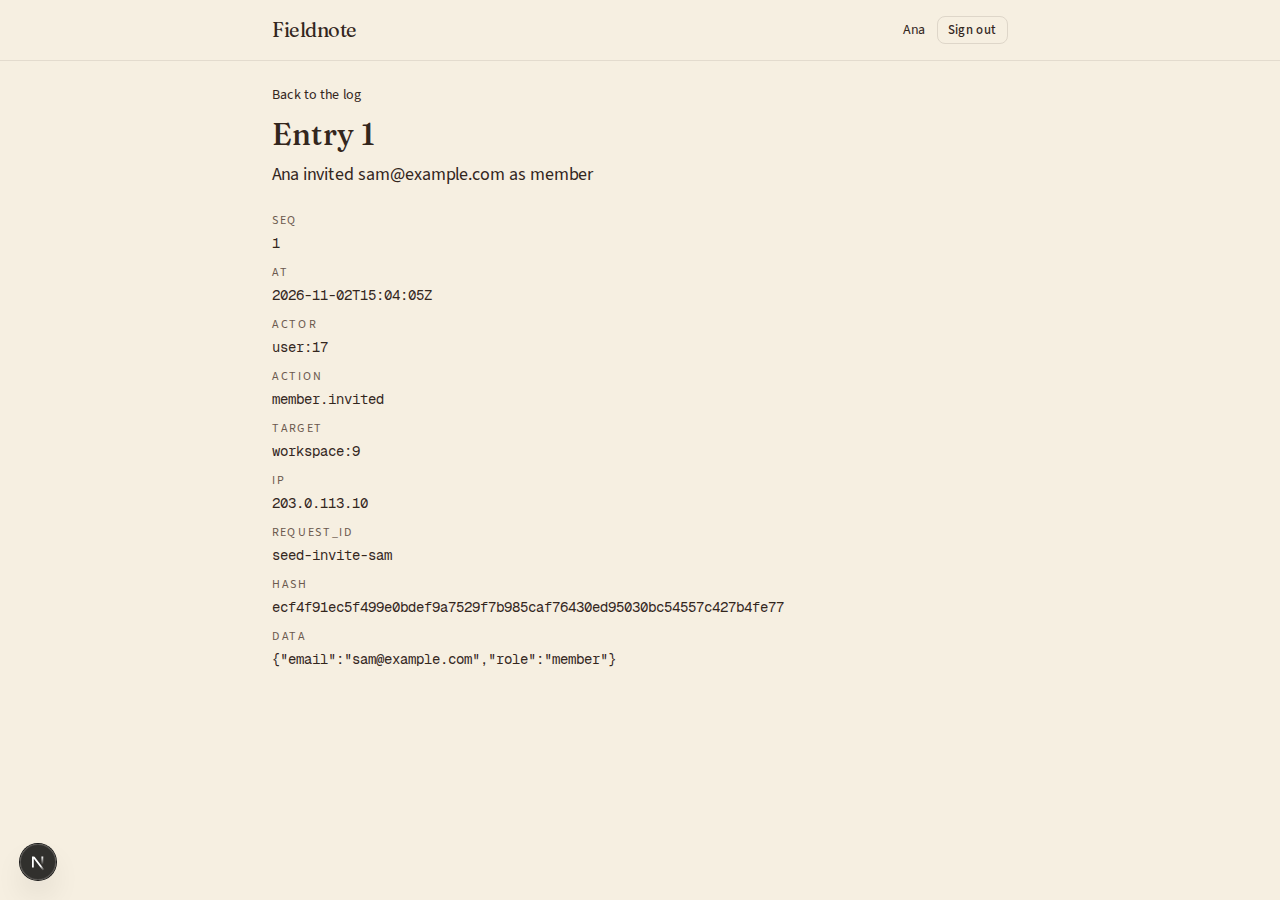
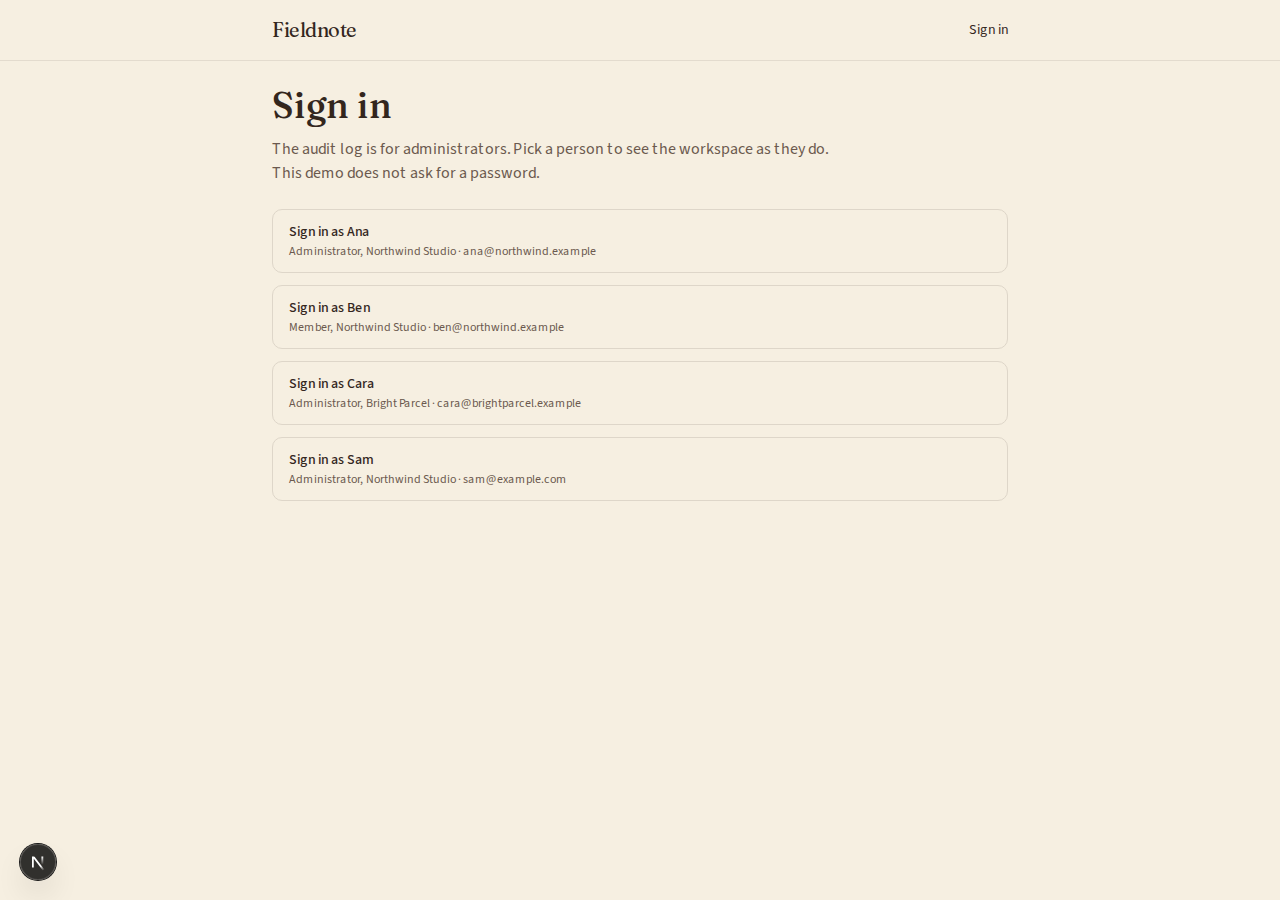
What can I customize?
Your choices go into the line you copy. Anything else is yours to edit, but it leaves the tested path.
What do I get?
-
spec.mdRequirements and acceptance criteria.Audit log
What this builds
A record of who did what and when, for the people who run an account and for whoever asks them to prove it. Entries are written with the change they describe, cannot be edited, and can be checked for tampering.
Read
spekkr.inputs.jsonfirst.scopesays whether each workspace has a log or the app has one. Entries are keptretention_daysdays.hash_chaindecides whether R4 exists andexportwhether R7 does.This spec needs the app to know who is signed in and who is an administrator.
Out of scope
- A feed of activity for ordinary users. This is for administrators.
- Logs of requests and errors for developers.
- Sending entries to an outside system as they happen.
Requirements
Each requirement has an id. Tests name the id they cover.
R1. Record
- App code calls
audit(actor, action, target, data)in the same database transaction as the change it describes. The entry exists exactly when the change was committed. - Actions are a fixed list in code, each written as a thing, a full stop and what happened:
member.invited,member.role_changed,settings.updated. An action that is not in the list is an error. - The spec records three example actions from a small example of its own.
Accept when: a rolled-back transaction leaves no entry, and an unknown action is refused.
R2. What an entry holds
- A number that only grows, the time in UTC to the second, the actor, the action, the target, and data about the change of at most 4 KB (4,000 bytes).
- The actor is a kind and an id:
user:17,api_key:k3, orsystemfor the app itself. The target is written the same way. - The IP address and the request's id, when there is a request.
- For a change of a value, the data holds the value before and after.
Accept when: an entry made from a request holds its IP address, and one made by a background job has
systemas its actor.R3. Append only
- No route and no function changes or deletes an entry. The only removal is R8.
- The database refuses too: a trigger rejects every
UPDATEandDELETEon the table that does not come from R8. - Values under keys that name a secret are never written. Their place holds
[redacted]. The list of such keys is indesign.md.
Accept when: an
UPDATEsent straight to the database is refused, and data with apasswordkey is stored with[redacted]in its place.R4. Chain the entries
Only if
hash_chainis on.- Each entry holds a hash made from the hash of the entry before it and its own content, as
design.mddescribes. The first entry of a log uses 64 zeros. - Entries of one log are written one at a time, so the chain never forks.
- A command checks a log from start to end and names the first entry whose hash does not match, or says the log is whole.
Accept when: the test vector in
design.mdis reproduced, the check passes on an untouched log, and after one entry's data is changed behind the trigger's back the check names that entry.R5. Read
- Administrators see the log newest first, 50 entries at a time, and load more with a cursor.
- Filters: actor, action, target, and a range of dates. They can be combined.
- Each entry is shown in words, such as "Ana invited sam@example.com as member", with the raw entry one click away.
- With
scopeset toworkspace, an administrator sees their workspace's log and no other.
Accept when: each filter narrows the list, and a request for another workspace's log gets 404.
R6. Reading is recorded
- Opening the log is not recorded. Exporting it is, as
log.exported, with the filters used.
Accept when: an export leaves one entry that names who exported.
R7. Export
Only if
exportis on.- Administrators download the entries the current filters show, as CSV, in the order of the chain.
- The file is written as a stream. A log of a million entries does not need a million entries of memory.
- A cell that starts with
=,+,-,@, a tab or a carriage return gets a single quote in front, so a spreadsheet does not run it as a formula.
Accept when: an entry whose data starts with
=is exported with a quote in front.R8. Forget old entries
- A daily job deletes entries older than
retention_daysdays, oldest first. - If
hash_chainis on, the job then writes an entry,log.trimmed, that holds the number and the hash of the last entry it deleted. The check in R4 starts from that entry and still passes.
Accept when: after the job runs, only entries young enough remain and the check passes.
R9. Pages
- The log, with its filters and the raw view of one entry.
Accept when: the page works with a keyboard alone and at a 360 pixel wide screen, and a person who is not an administrator gets 403.
Definition of done
- Every acceptance check above has an automated test, and all tests pass.
- A README explains how to add an action, how to record one, how to run the check, and how to run the tests.
# Audit log

## What this builds

A record of who did what and when, for the people who run an account and for
whoever asks them to prove it. Entries are written with the change they describe,
cannot be edited, and can be checked for tampering.

Read `spekkr.inputs.json` first. `scope` says whether each workspace has a log or
the app has one. Entries are kept `retention_days` days. `hash_chain` decides
whether R4 exists and `export` whether R7 does.

This spec needs the app to know who is signed in and who is an administrator.

## Out of scope

- A feed of activity for ordinary users. This is for administrators.
- Logs of requests and errors for developers.
- Sending entries to an outside system as they happen.

## Requirements

Each requirement has an id. Tests name the id they cover.

### R1. Record

- App code calls `audit(actor, action, target, data)` in the same database
  transaction as the change it describes. The entry exists exactly when the
  change was committed.
- Actions are a fixed list in code, each written as a thing, a full stop and
  what happened: `member.invited`, `member.role_changed`, `settings.updated`.
  An action that is not in the list is an error.
- The spec records three example actions from a small example of its own.

Accept when: a rolled-back transaction leaves no entry, and an unknown action is
refused.

### R2. What an entry holds

- A number that only grows, the time in UTC to the second, the actor, the action,
  the target, and data about the change of at most 4 KB (4,000 bytes).
- The actor is a kind and an id: `user:17`, `api_key:k3`, or `system` for the app
  itself. The target is written the same way.
- The IP address and the request's id, when there is a request.
- For a change of a value, the data holds the value before and after.

Accept when: an entry made from a request holds its IP address, and one made by a
background job has `system` as its actor.

### R3. Append only

- No route and no function changes or deletes an entry. The only removal is R8.
- The database refuses too: a trigger rejects every `UPDATE` and `DELETE` on the
  table that does not come from R8.
- Values under keys that name a secret are never written. Their place holds
  `[redacted]`. The list of such keys is in `design.md`.

Accept when: an `UPDATE` sent straight to the database is refused, and data with
a `password` key is stored with `[redacted]` in its place.

### R4. Chain the entries

Only if `hash_chain` is on.

- Each entry holds a hash made from the hash of the entry before it and its own
  content, as `design.md` describes. The first entry of a log uses 64 zeros.
- Entries of one log are written one at a time, so the chain never forks.
- A command checks a log from start to end and names the first entry whose hash
  does not match, or says the log is whole.

Accept when: the test vector in `design.md` is reproduced, the check passes on an
untouched log, and after one entry's data is changed behind the trigger's back
the check names that entry.

### R5. Read

- Administrators see the log newest first, 50 entries at a time, and load more
  with a cursor.
- Filters: actor, action, target, and a range of dates. They can be combined.
- Each entry is shown in words, such as "Ana invited sam@example.com as member",
  with the raw entry one click away.
- With `scope` set to `workspace`, an administrator sees their workspace's log
  and no other.

Accept when: each filter narrows the list, and a request for another workspace's
log gets 404.

### R6. Reading is recorded

- Opening the log is not recorded. Exporting it is, as `log.exported`, with the
  filters used.

Accept when: an export leaves one entry that names who exported.

### R7. Export

Only if `export` is on.

- Administrators download the entries the current filters show, as CSV, in the
  order of the chain.
- The file is written as a stream. A log of a million entries does not need a
  million entries of memory.
- A cell that starts with `=`, `+`, `-`, `@`, a tab or a carriage return gets a
  single quote in front, so a spreadsheet does not run it as a formula.

Accept when: an entry whose data starts with `=` is exported with a quote in
front.

### R8. Forget old entries

- A daily job deletes entries older than `retention_days` days, oldest first.
- If `hash_chain` is on, the job then writes an entry, `log.trimmed`, that holds
  the number and the hash of the last entry it deleted. The check in R4 starts
  from that entry and still passes.

Accept when: after the job runs, only entries young enough remain and the check
passes.

### R9. Pages

- The log, with its filters and the raw view of one entry.

Accept when: the page works with a keyboard alone and at a 360 pixel wide screen,
and a person who is not an administrator gets 403.

## Definition of done

- Every acceptance check above has an automated test, and all tests pass.
- A README explains how to add an action, how to record one, how to run the
  check, and how to run the tests.
-
design.mdData model, rules and flows.Design
This file fixes the parts that are easy to get wrong. Choose the language and framework that fit the person's project; nothing here depends on them.
Data model
Use the database in the
databaseinput.Table Columns audit_entrieslog_id,seq,at,actor,action,target,data(text),ip,request_id,hash; primary key onlog_idandseqaudit_headslog_id(primary key),seq,hashlog_idis the workspace's id when thescopeinput isworkspace, and a fixed value when it isapp.seqstarts at 1 in each log and has no gaps.datais stored as text, exactly as it was first written out, and never parsed and written again. The hash covers that text.Writing an entry
In the caller's transaction:
- Lock the log's row in
audit_heads, creating it if this is the first entry. - Take
seqas the stored one plus 1, and the stored hash as the one before. - Redact, write
dataout as JSON, work out the hash, insert the entry. - Store the new
seqand hash inaudit_heads.
The lock is what keeps two entries from taking the same
seq. It is held until the caller commits, so keep transactions that record entries short.The hash
line = seq | at | actor | action | target | data joined by the character | hash = SHA-256 of ( hash before, a line feed, line ) as UTF-8, in hexadecimalatis written as2026-01-02T03:04:05Z. A missing target is an empty string.Entry 1 Entry 2 seq12at2026-01-02T03:04:05Z2026-01-02T03:05:00Zactoruser:17user:17actionmember.invitedmember.role_changedtargetworkspace:9user:23data{"email":"sam@example.com","role":"member"}{"from":"member","to":"admin"}Hash before 64 zeros Entry 1's hash Entry 1's hash:
04e07bea7c06897752773ff33cffead84421640c28e9eecfc79608d6a029878eEntry 2's hash:
6ff483be7c06c10095ea69986dfe29da2deeb2e74ac82a3484afc48ade971ae6Redaction
Before
datais written out, the value under any key whose lowercase name contains one of these is replaced by[redacted], at any depth:password,secret,token,authorization,api_key,card.The trigger
Reject
UPDATEalways. RejectDELETEunless the transaction has set a marker that only the job in R8 sets: a setting local to the transaction in Postgres, a row in a one-row table in SQLite. This stops mistakes and casual edits. Someone with full control of the database can still get past it, which is what the chain is for.Configuration
Secret Purpose DATABASE_URLConnection string for the chosen database. Who is signed in
The spec reaches the app's sign-in through one function,
current_user(request). It answers with the person's id, and says whether they are an administrator where this spec asks. In the person's app it reads their session.When there is no app yet, build this stand-in and nothing more: a page that lists two seeded people, one of them an administrator, with a button for each that sets a signed cookie naming them. The stand-in refuses to start in production.
Named here
- A request for a workspace the person is not a member of, or that does not exist, gets 404. A member who is not an administrator gets 403.
- The CSV columns, in order:
seq,at,actor,action,target,data,ip,request_id,hash.
What this spec leaves to you
Where this spec names something, use that name, so that two builds of it agree. Where it does not, the choice is yours. List what you chose in the README.
# Design This file fixes the parts that are easy to get wrong. Choose the language and framework that fit the person's project; nothing here depends on them. ## Data model Use the database in the `database` input. | Table | Columns | | --- | --- | | `audit_entries` | `log_id`, `seq`, `at`, `actor`, `action`, `target`, `data` (text), `ip`, `request_id`, `hash`; primary key on `log_id` and `seq` | | `audit_heads` | `log_id` (primary key), `seq`, `hash` | `log_id` is the workspace's id when the `scope` input is `workspace`, and a fixed value when it is `app`. `seq` starts at 1 in each log and has no gaps. `data` is stored as text, exactly as it was first written out, and never parsed and written again. The hash covers that text. ## Writing an entry In the caller's transaction: 1. Lock the log's row in `audit_heads`, creating it if this is the first entry. 2. Take `seq` as the stored one plus 1, and the stored hash as the one before. 3. Redact, write `data` out as JSON, work out the hash, insert the entry. 4. Store the new `seq` and hash in `audit_heads`. The lock is what keeps two entries from taking the same `seq`. It is held until the caller commits, so keep transactions that record entries short. ## The hash ``` line = seq | at | actor | action | target | data joined by the character | hash = SHA-256 of ( hash before, a line feed, line ) as UTF-8, in hexadecimal ``` `at` is written as `2026-01-02T03:04:05Z`. A missing target is an empty string. | | Entry 1 | Entry 2 | | --- | --- | --- | | `seq` | `1` | `2` | | `at` | `2026-01-02T03:04:05Z` | `2026-01-02T03:05:00Z` | | `actor` | `user:17` | `user:17` | | `action` | `member.invited` | `member.role_changed` | | `target` | `workspace:9` | `user:23` | | `data` | `{"email":"sam@example.com","role":"member"}` | `{"from":"member","to":"admin"}` | | Hash before | 64 zeros | Entry 1's hash | Entry 1's hash: ``` 04e07bea7c06897752773ff33cffead84421640c28e9eecfc79608d6a029878e ``` Entry 2's hash: ``` 6ff483be7c06c10095ea69986dfe29da2deeb2e74ac82a3484afc48ade971ae6 ``` ## Redaction Before `data` is written out, the value under any key whose lowercase name contains one of these is replaced by `[redacted]`, at any depth: `password`, `secret`, `token`, `authorization`, `api_key`, `card`. ## The trigger Reject `UPDATE` always. Reject `DELETE` unless the transaction has set a marker that only the job in R8 sets: a setting local to the transaction in Postgres, a row in a one-row table in SQLite. This stops mistakes and casual edits. Someone with full control of the database can still get past it, which is what the chain is for. ## Configuration | Secret | Purpose | | --- | --- | | `DATABASE_URL` | Connection string for the chosen database. | ## Who is signed in The spec reaches the app's sign-in through one function, `current_user(request)`. It answers with the person's id, and says whether they are an administrator where this spec asks. In the person's app it reads their session. When there is no app yet, build this stand-in and nothing more: a page that lists two seeded people, one of them an administrator, with a button for each that sets a signed cookie naming them. The stand-in refuses to start in production. ## Named here - A request for a workspace the person is not a member of, or that does not exist, gets 404. A member who is not an administrator gets 403. - The CSV columns, in order: `seq`, `at`, `actor`, `action`, `target`, `data`, `ip`, `request_id`, `hash`. ## What this spec leaves to you Where this spec names something, use that name, so that two builds of it agree. Where it does not, the choice is yours. List what you chose in the README. - Lock the log's row in
-
tasks.mdBuild tasks in order, each with a check.Tasks
Work in order. Finish a task's check before starting the next.
- Set up. Add the tables in
design.md. If there is no app yet, build the smallest one: a signed-in user who may be an administrator, a workspace ifscopeisworkspace, and three things that change, to record. Check: migrations run from empty. - Record (R1, R2). The list of actions,
audit, and redaction. Check: the R1 and R2 acceptance tests pass. - Append only (R3). The trigger. Check: the R3 acceptance tests pass.
- The chain (R4). Only if
hash_chainis on. A pure function for the hash, the lock, and the command that checks. Check: a test reproduces both hashes indesign.md, and the R4 tests pass. - Read (R5). Check: the R5 acceptance tests pass.
- Export (R6, R7). Only if
exportis on. Check: the R6 and R7 acceptance tests pass. - Forget (R8). Use the
retention_daysinput and a clock that tests set. Check: the R8 acceptance test passes. - Pages (R9). Check: the page can be used with a keyboard alone and at 360 pixels wide.
- Finish. Write the README and run the whole test suite. Check: every item under "Definition of done" in
spec.mdis true.
# Tasks

Work in order. Finish a task's check before starting the next.

1. **Set up.** Add the tables in `design.md`. If there is no app yet, build the
   smallest one: a signed-in user who may be an administrator, a workspace if
   `scope` is `workspace`, and three things that change, to record.
   Check: migrations run from empty.

2. **Record (R1, R2).** The list of actions, `audit`, and redaction.
   Check: the R1 and R2 acceptance tests pass.

3. **Append only (R3).** The trigger.
   Check: the R3 acceptance tests pass.

4. **The chain (R4).** Only if `hash_chain` is on. A pure function for the hash,
   the lock, and the command that checks.
   Check: a test reproduces both hashes in `design.md`, and the R4 tests pass.

5. **Read (R5).**
   Check: the R5 acceptance tests pass.

6. **Export (R6, R7).** Only if `export` is on.
   Check: the R6 and R7 acceptance tests pass.

7. **Forget (R8).** Use the `retention_days` input and a clock that tests set.
   Check: the R8 acceptance test passes.

8. **Pages (R9).**
   Check: the page can be used with a keyboard alone and at 360 pixels wide.

9. **Finish.** Write the README and run the whole test suite.
   Check: every item under "Definition of done" in `spec.md` is true.
- Set up. Add the tables in
Is it for me?
- Kind
- app part
- Platforms
- backend, web
What does it need?
- Agent permissions
- shell, network
- Secrets it reads
DATABASE_URL
What changed?
- 0.1.215 Nov 2026Names what it builds.
- 0.1.114 Nov 2026Says "person" where it said "buyer".
- 0.1.014 Nov 2026Moved from dwrtz/audit-log.
For agents: start.md says how to build this spec, spec.json holds everything on this page, and bundle.tar.gz holds its files.